Free Exam Answer Sheet PDF Maker
Print a proper answer sheet in seconds — multiple-choice bubbles, student details and ruled lines for written answers, ready for the exam hall.
🔒 Your data never leaves this page
- The answer sheet is built 100% in your browser — exam titles and student details are never uploaded to any server.
- No account, no email capture, no watermark, no daily caps.
- Your exam data stays on your device by design. Why that matters →
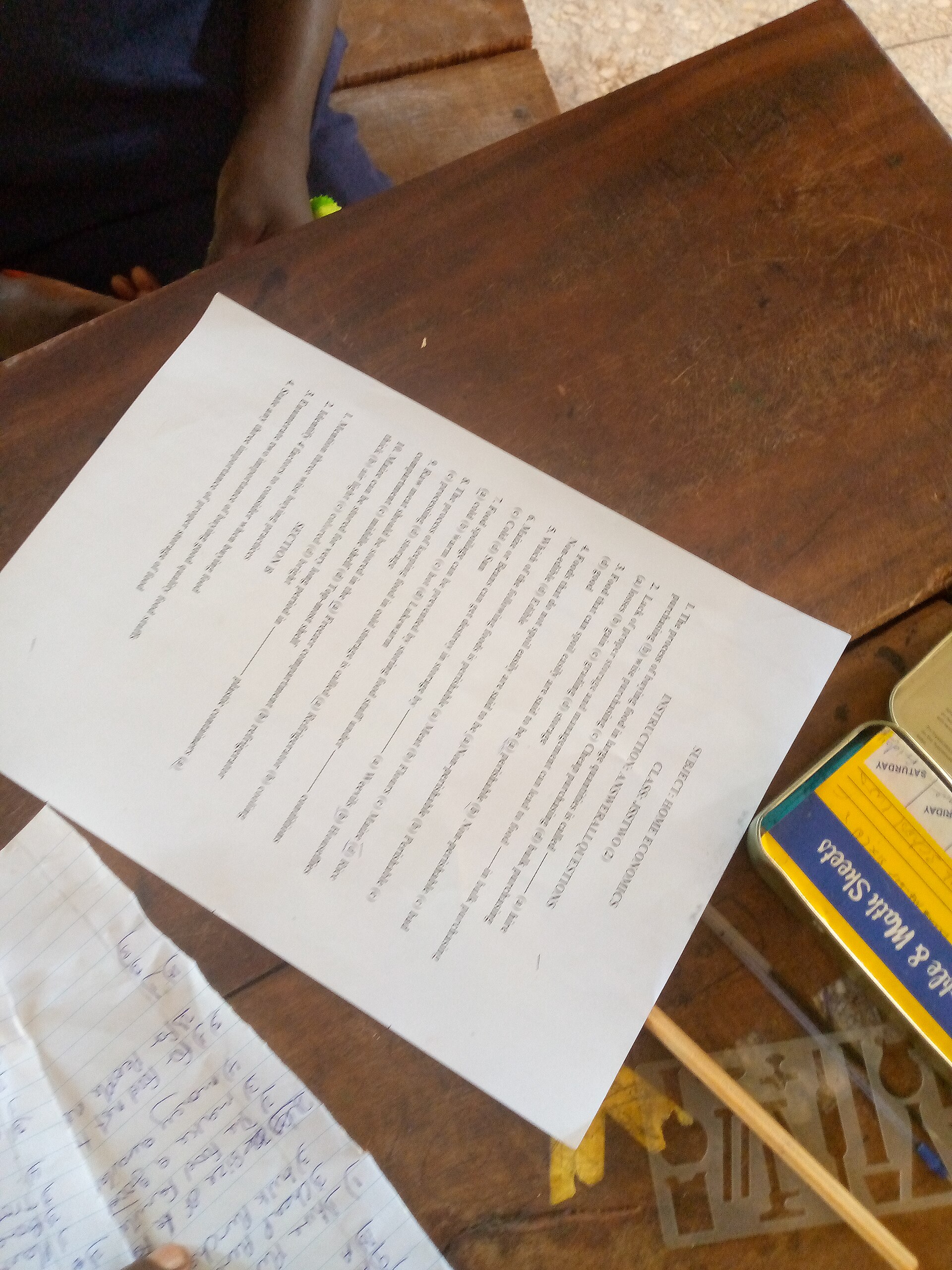
Researched by PDFBuddyFree Team · Last updated November 18, 2026 · Data: JCQ GCSE entries, summer 2025
Exam details
Questions
Instructions for candidates
How it works in 4 steps
- Enter the exam title, subject, date and duration — the form starts with a sample maths exam you can edit.
- Set the number of questions and pick 4 options (A–D) or 5 options (A–E).
- Choose whether to add ruled lines for written answers, and how many, then write the instructions for candidates.
- Press Generate Exam Answer Sheet PDF — the sheet downloads immediately, ready to print on A4.
Why a printed answer sheet still wins
Exams are still sat on paper in most of the world, and the answer sheet is the part of the exam that gets marked. A proper sheet does three jobs: it gives every candidate the same layout, so no one loses marks to a confusing format; it gives the marker a clean grid to read, with one bubble per question and ruled lines for written answers; and it carries the student details at the top, so a loose page is never an anonymous page.
The scale is enormous. In summer 2025, there were 6,160,034 GCSE entries across the UK (JCQ, summer 2025 results, August 2025) — more than six million sittings, each one needing an answer sheet. Teachers, tutors and schools print mock exams and practice papers all year, and a sheet that takes thirty seconds to make beats a hand-drawn grid every time.
Unlike the server-upload tools, this answer sheet is assembled on your own device. Exam titles and student details never travel to a cloud server, never sit in someone else's database, and never come back with a watermark. That is the privacy contrast that matters for school documents: the sheet exists only where you choose to print it.
| Format | Marking | Best for |
|---|---|---|
| Printed bubble sheet | Fast, consistent, scannable | Mock exams, quizzes, practice tests |
| Plain paper | Slow, inconsistent | Nothing — avoid it |
| Online quiz | Automatic | Homework, not exam halls |
Use the printed sheet whenever the exam is sat on paper — that is exactly when a consistent layout protects every candidate equally.
Worked example — a 20-question maths sheet, 2 pages
We tested this tool on a real sample exam: "Mathematics — Final Examination", Grade 10, 18 November 2026, 2 hours, 20 multiple-choice questions with A–D bubbles and 12 ruled lines for written answers. The generated PDF runs to 2 pages: page one carries the title, the student fields, the instructions and the first questions; the grid continues onto page two with the ruled lines below it. A 60-question sheet with 5 options runs to 3 pages. Change the question count and the sheet reflows automatically — nothing is drawn by hand.
📝 The PDFBuddyFree verdict
- One bubble per question, one sheet per candidate: every student gets the same fair layout.
- Questions, bubbles and ruled lines in one file — no drawing grids by hand, no mismatched pages.
- Nothing is uploaded: your exam data is assembled entirely on your own device.
Straight talk: limits
📋 This is a blank form — it does not mark answers
The tool makes the sheet; it does not grade it. Marking is done by hand or by your institution's own scanning system, and this sheet is not tied to any scanner — check your school's bubble-sheet rules before exam day.
🏫 Practice tests yes, official exams no
Use this sheet for mock exams, classroom quizzes and practice papers. For an official sitting, use the answer sheet your exam board provides — official exams have their own formats, and this tool is for preparation.
🔢 Check the question count before you print
The tool prints exactly the number of questions you set. Count them once against the question paper before you print a class set — a sheet with 19 bubbles for a 20-question exam wastes the whole batch.
Exam Answer Sheet FAQ
Is this exam answer sheet maker really free?
Yes — unlimited sheets, every field, PDF download, forever. No trial, no watermark, no account, no payment details. The PDF is assembled in your browser, so there is nothing to meter.
How many questions can the sheet hold?
From 1 to 200. The sheet flows onto extra pages automatically — the sample below uses 20 questions with 12 ruled lines and runs to 2 pages, while a 60-question sheet runs to 3 pages. Set the number that matches your exam.
Can I choose A–E bubbles instead of A–D?
Yes. Pick 4 options (A–D) or 5 options (A–E) before you generate. With 4 options, a random guess has a 1-in-4 (25%) chance of being right — which is why most school exams use four options.
Does the tool mark the answers?
No — this makes a blank answer sheet for hand-marking or for your institution's own scanning system. It does not grade answers and it is not tied to any scanner, so check your school's bubble-sheet rules before exam day.
Do I need to sign up or give my email?
No. The maker works the moment the page loads. There is no account and no email capture — which also means the form clears if you refresh, so download your PDF before leaving.
Where is my exam data stored?
Only in this browser tab while you type. The PDF is assembled on your own device — exam titles and student details are never uploaded to any server, unlike server-based tools that process your documents in the cloud.
Can I use this for university entrance exams?
For practice tests, mock exams and classroom quizzes, yes — set the question count and options to match the real exam. For an official exam, use the answer sheet your exam board provides; this tool is for preparation, not for official sittings.
Sources & trust
GCSE entries: Joint Council for Qualifications (JCQ), summer 2025 results — 6,160,034 GCSE entries across the UK. The answer sheet is generated entirely in your browser; nothing is stored or transmitted. Researched by PDFBuddyFree Team · Last updated November 18, 2026.
You may also need

Card photos: KPNO/NOIRLab/NSF/AURA/J. Lockridge / Wikimedia Commons, CC BY 4.0 · Dmitry Makeev / Wikimedia Commons, CC BY-SA 4.0 · rawpixel.com / Wikimedia Commons, CC0




