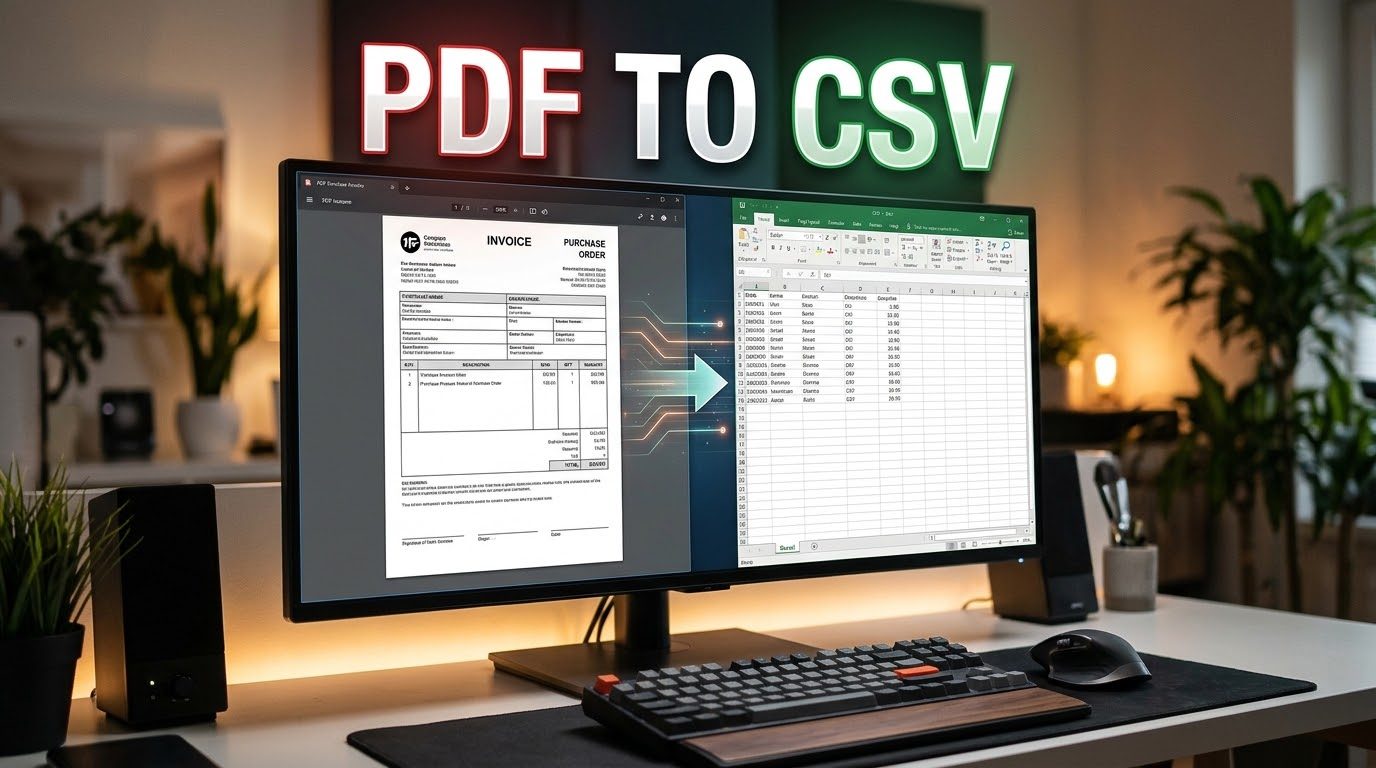
A filled PDF form is a spreadsheet hiding inside a document. Pull every field — name, type and value — out into a clean CSV you can open, filter and import. Nothing is uploaded.
By Amir Shahzad · Last updated 21 November 2026 · Data: pdf-lib 1.17; PDF form fields (AcroForm), ISO 32000-1:2008
No PDF chosen yet. Pick a filled form above — or try the built-in sample first.
Short answer: choose your filled PDF form and press Extract form data — every field is read in your browser and listed with its name, type and value. Copy the CSV or download the .csv file, then open it in your spreadsheet. Nothing is uploaded.
A fillable PDF is two things at once: a document you can read, and a small database of named fields — "Full name", "Email", "Country", a checkbox for "Subscribe" — each holding the value someone typed. When a dozen filled forms arrive by email, retyping those values into a spreadsheet is slow, error-prone work, and uploading forms full of personal data to a conversion website is a privacy risk. This tool reads the form's field dictionary with pdf-lib, in your browser, and writes one CSV row per field: field_name, field_type, value. Text fields give their text; checkboxes give true or false; dropdowns give the selected option; radio groups give the chosen value. Empty fields are listed too, with an empty value — so a missing answer is visible instead of silently dropped. The CSV uses proper quoting, so values containing commas or quotes survive the round trip into Excel or Google Sheets. The same layout is used every time, so CSVs from many forms stack cleanly: extract each form, combine the files, and you have the whole batch in one spreadsheet. And because the form never leaves your device, names, addresses and signatures stay private by design.
The built-in sample is a small registration form made in your browser: a name, an email, a country dropdown, a newsletter checkbox and a comments box. Extract it and you get:
| field_name | field_type | value |
|---|---|---|
| full_name | text | Alex Morgan |
| text | alex@example.com | |
| country | dropdown | Germany |
| subscribe | checkbox | true |
| comments | text | Looking forward to the course. |
That is the shape of the everyday use: a school collecting registration forms, a small business gathering client onboarding forms, or an accountant pulling figures out of filled tax forms. For the reverse job — filling a blank form in the browser — use our fill PDF forms tool. For numbers trapped in a table rather than a form, use extract tables from PDF.
By the numbers: fillable PDF forms are nearly as old as the web itself — Adobe introduced the AcroForm format in PDF 1.2 in 1996, and form fields have been part of the open ISO 32000 standard since 2008 (ISO 32000-1:2008). Thirty years on, the same field structure still carries most of the world's application forms, surveys and onboarding paperwork — which is why a clean CSV export is still the fastest way to get the data out.
| Need | Pick | Why |
|---|---|---|
| Values out of a filled form | This tool | One CSV, no retyping, nothing uploaded |
| Many forms, one spreadsheet | This tool, repeated | Identical CSV layout stacks cleanly in a sheet |
| Filling a blank form | Fill PDF Forms | Type into the fields in your browser |
| Numbers in a table, not a form | Extract Tables from PDF | Pulls table cells into CSV instead |
| Plain text from any PDF | Extract Text from PDF | Reads the visible text, not the fields |
One honest trade-off: this tool reads live form fields only. A flattened PDF, a scanned form, or an XFA form has no fields to read — the tool will tell you it found none, rather than guessing. If your form is flattened, ask the sender for the fillable original.
Server converters will extract form data — after you upload a form full of someone's personal details to their servers, usually with a file-size cap on the free plan. Adobe Acrobat does it locally, but it is paid software. This tool takes the opposite route: pdf-lib reads the field dictionary on your device, so there is no upload, no cap and no subscription. The honest limit is the format itself: flattened PDFs, scanned forms and XFA forms have no live AcroForm fields, and no browser tool can invent data that is not there.
A PDF printed from a filled form looks like a form but holds only text. Ask the sender for the fillable original to extract its data.
A scan has no fields and no text layer. It needs OCR first — this tool does not do OCR.
Adobe's older XML form format is not supported by pdf-lib. Save a copy as a standard AcroForm PDF in Acrobat first.
Extract each form separately, then combine the identical-layout CSVs in your spreadsheet for a batch.
Yes — unlimited PDFs, forever. No trial, no watermark, no account, no payment step. The extraction runs entirely in your browser.
No. Your PDF — with names, addresses and whatever the form holds — is read and turned into a CSV 100% in your browser and never leaves your device. Check the Network tab: nothing is sent to any server.
Text fields, checkboxes, dropdown lists, radio groups and buttons. Each row of the CSV shows the field name, the field type and the current value — a ticked checkbox reads as true, an empty one as false.
The PDF probably has no real form fields. A flattened PDF — one where the form was printed to PDF — looks like a form but holds only text and lines, so there is nothing to extract. Scanned forms are images, not fields, and cannot be extracted either. The tool only works on PDFs with live AcroForm fields.
One PDF at a time. Extract each form to its own CSV, then combine the CSV files in your spreadsheet — the column layout is the same every time (field_name, field_type, value), so they stack cleanly.
No. XFA is Adobe's older XML-based form format, and it is not supported by the pdf-lib engine this tool uses. Most modern fillable PDFs use AcroForm, which works here. If your form is XFA, open it in Adobe Acrobat and save a copy as a standard PDF form first.
Open it in Excel, Google Sheets or LibreOffice, or import it into your CRM, accounting software or database. Because the CSV has one row per field, it is also the fastest way to check a batch of filled forms for missing answers.
Formats: AcroForm interactive forms, introduced in PDF 1.2 (Adobe, 1996); form field dictionaries defined in ISO 32000-1:2008. Library: pdf-lib 1.17. Tested 21 November 2026 on the built-in 5-field sample form (full_name, email, country, subscribe, comments — the downloaded CSV opened with 5 rows plus a header). This tool reads live form fields only; it cannot recover data from flattened PDFs, scans or XFA forms.
Filling a blank form instead? Our fill PDF forms tool types into the fields in your browser. Need table data? Extract Tables from PDF pulls table cells into CSV.
Educational content only. Nothing on this site is legal or professional advice.
 Free PDF Toolkit