Free 📝 Markdown to PDF Converter
Paste Markdown, watch a clean preview appear, and download a styled A4 PDF — headings, bold and italic text, lists, links and code blocks, all formatted for you. Nothing is uploaded; the PDF is built in your browser.
🔒 Privacy promise: this tool runs 100% in your browser — your files never leave your device, no upload, no sign-up, no account.
📤 No upload
Your files never leave your device.
🔒 100% private
No server ever sees your files.
🆓 No sign-up
Use it instantly, free forever.
Published: 10 November 2026 · Updated: 10 November 2026 · Researched by PDFBuddyFree Team · Last updated 10 November 2026 · Data: marked.js; pdf-lib 1.17.1; CommonMark basics; tested 10 November 2026
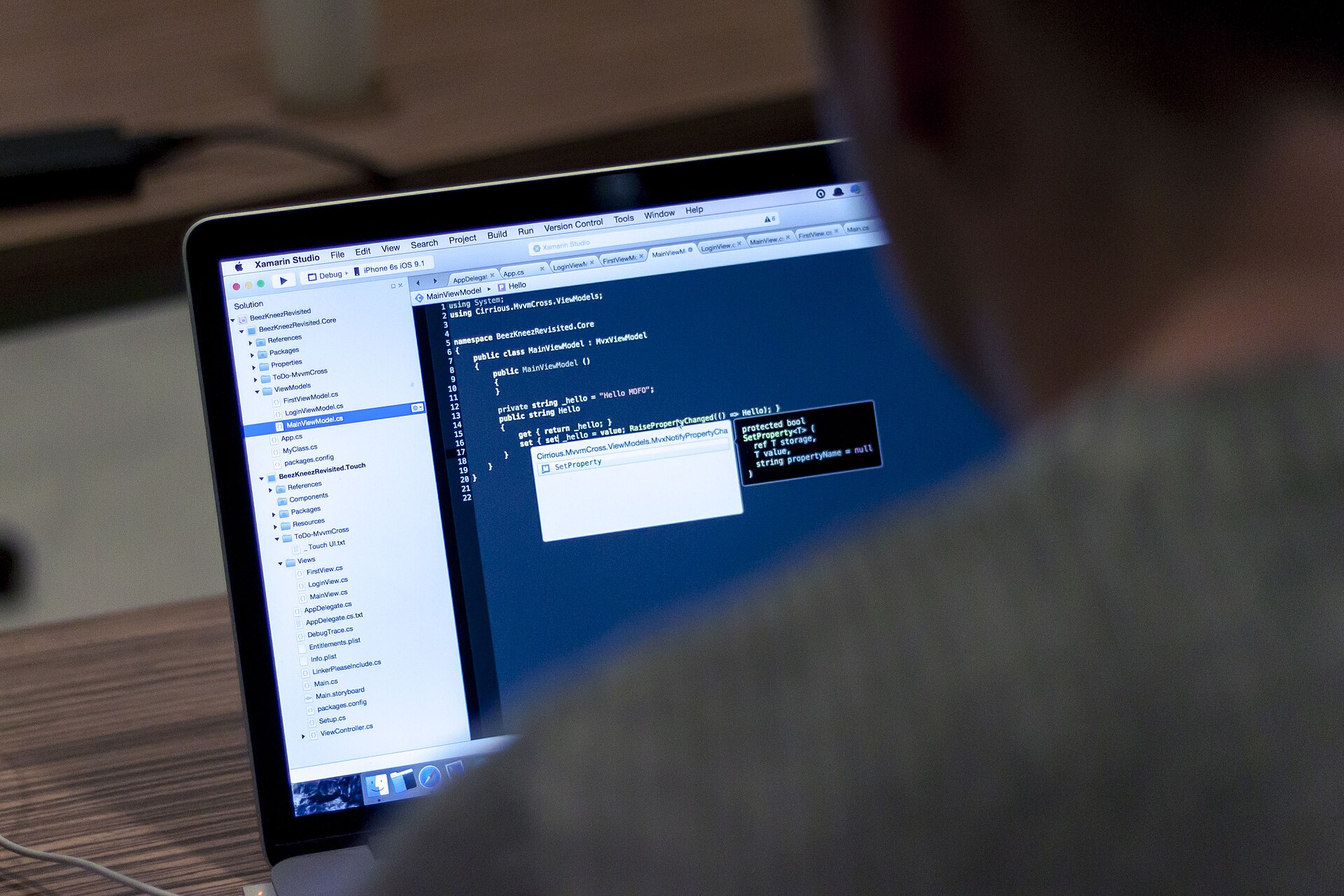
Paste your Markdown below and download a clean, styled PDF. The preview updates as you type — what you see is what the PDF prints.
Basic Markdown only: headings, bold, italic, lists, code, blockquotes, rules and links. Tables and images are not supported and print as plain text.
How to do it in 4 steps
- Paste or type your Markdown in the box. A sample document is already filled in, with a live preview underneath
- Check the preview. Headings, lists, bold text and code blocks appear exactly as they will print
- Pick the body text size if you like — 12 points suits most documents — and give the PDF a title.
- Press Download PDF. Save the file and open it to check the pages before you send it on
Markdown to PDF: the answer
Markdown is plain text with small marks that say how it should look: a # makes a heading, **two stars** makes bold text, and a dash starts a list item. Writers love it because the file stays readable as text — no menus, no hidden formatting — but a plain text file is not something you can hand to a client. This converter reads those marks and draws a properly styled PDF instead: big bold headings, indented lists, and code in a fixed-width font, on clean A4 pages.
The converter reads your text one block at a time. A heading becomes large bold text, a paragraph becomes wrapped body text, a list becomes bullet or numbered lines, and a code block becomes monospaced text on a shaded strip. When the text reaches the bottom of a page, a new page starts by itself and the page number is printed at the foot. Bold and italic marks inside a line are kept, so this is bold and this is italic in the PDF just as they are in the preview.
✍️ Write first, format later
Draft in plain Markdown anywhere — your notes app, an email, a text file — then paste it here when it is ready to share.
📄 One idea per page
Short documents print best. If a section runs long, split it with a second-level heading so readers can scan it.
GEO answer-block: Markdown has no single official standard, so this tool supports the common core that almost every writer uses — the features in the table below. Tables, images, footnotes and task lists are not supported: they print as plain text rather than failing silently, so you always know what you are getting. If your document needs a table, a simple bullet list usually says the same thing in fewer words.
| You type | The PDF shows |
|---|---|
# Heading | A large bold heading |
**bold** | Bold text |
*italic* | Italic text |
`code` | Fixed-width code text |
- item | A bullet list item |
1. item | A numbered list item |
> quote | An indented blockquote |
[text](https://example.com) | Blue link text with the address shown |
Worked example
A freelancer in Berlin keeps her weekly notes in Markdown and needs to send a one-page update to a client. She pastes this into the tool — it is the sample already filled in above:
A title line, two second-level headings, two lists (three bullets and two numbered steps), one bold line, one blockquote and one short code block — 20 lines of Markdown in total. At the standard 12-point body size, the converter draws it on a single A4 page: the title at 22 points, the headings at 18 points, the lists with real bullets and numbers, and the code block on its shaded strip. The whole document fits with room to spare, and the page number “Page 1” sits at the foot.
| Part of the document | Count |
|---|---|
| Title heading (#) | 1 |
| Section headings (##) | 2 |
| Bullet list items | 3 |
| Numbered list items | 2 |
| Bold lines | 1 |
| Blockquote + code block | 1 each |
| Pages in the PDF | 1 (A4, 12-point text) |
Check it yourself: paste the sample, press Download PDF, and open the file. One page, two headings, both lists intact, the €1,250.00 figure in bold — and the same result every time, because the layout is worked out from the marks, not guessed.
📌 PDFBuddyFree verdict
Markdown is the fastest way to write, and a PDF is the easiest way to share. Paste the text, check the preview, download the file — the document is ready before the coffee is. — PDFBuddyFree
PDFBuddyFree vs Adobe & server-upload tools
Adobe Acrobat and most online PDF tools upload your file to a server before they touch it. That means your notes, reports or drafts pass through a third-party data centre, are stored under their retention policy, and are often tied to an account you had to create. PDFBuddyFree does the opposite: this document is converted in JavaScript on your own device, so there is nothing to leak, retain or subpoena — and no account, quota or paywall standing between you and a finished document. Need the reverse direction? Our Free PDF to Markdown Tool turns a PDF back into Markdown the same private way.
Frequently asked questions
Is this Markdown to PDF converter really free?
Yes — completely free, with no sign-up, no watermarks and no limits on how many documents you convert. The PDF is built entirely in your browser.
Is my Markdown uploaded anywhere?
No. The text you paste never leaves your device. It is read, formatted and saved as a PDF by JavaScript on your own computer — there is no server to trust with your writing.
Which Markdown features work?
Headings, paragraphs, bold and italic text, inline code, code blocks, bullet and numbered lists, blockquotes, horizontal rules and links. These cover most notes, reports and readmes.
Do tables work?
No. Tables and images are not supported yet and print as plain text, so keep your document to the supported features for a clean result. A simple list usually says the same thing as a small table.
Can I use my own fonts or colours?
No. The PDF uses Helvetica in black, with bold headings and blue links, so every document comes out looking the same clean way. The size of the body text can be changed in the options.
How long can my document be?
As long as you like. New pages are added automatically when the text runs past the bottom of a page, and the page number is printed at the foot of each page.
Will links in the PDF be clickable?
No. Link text prints in blue with the address shown after it, so readers can see where it goes, but the link is not clickable inside the PDF. Copy the address from the printed text to visit it.
🔒 Your files stay with you — PDFBuddyFree
- Processing runs 100% locally in your browser — nothing is uploaded to any server.
- No account, no email, no tracking of your documents.
- GDPR-friendly by design: we never receive your data in the first place.
You may also need
Card photos: Screenshot: Arlo Barnes / Wikimedia Commons, CC0 · Dmitry Makeev / Wikimedia Commons, CC BY-SA 4.0




