Free 🔍 OCR PDF
A scanned PDF is just pictures of pages — you cannot search it, copy from it, or find it in a search. This tool reads the text with a real OCR engine in your browser and builds a searchable PDF with an invisible text layer. Pages that already have text are kept exactly as they are.
No file selected
Language data (1–20 MB) downloads once on first use and is cached in your browser.
Honest scope: OCR reads printed text. Handwriting, very faint scans and heavily skewed pages recognise poorly or not at all. The text layer is for searching and copying — word positions are approximate. Pick the right language: the wrong language gives gibberish.
Use it in 4 steps
- Add a scanned PDF or image. One file at a time — OCR is heavy work for a browser tab.
- Pick the document language. The right language matters more than anything else for accuracy.
- Press “Make searchable PDF”. Each image-only page is read by the OCR engine; pages that already have text are copied unchanged.
- Download. The searchable PDF looks identical — but now you can search, select and copy its text. A plain-text download is offered too.
How OCR makes a PDF searchable
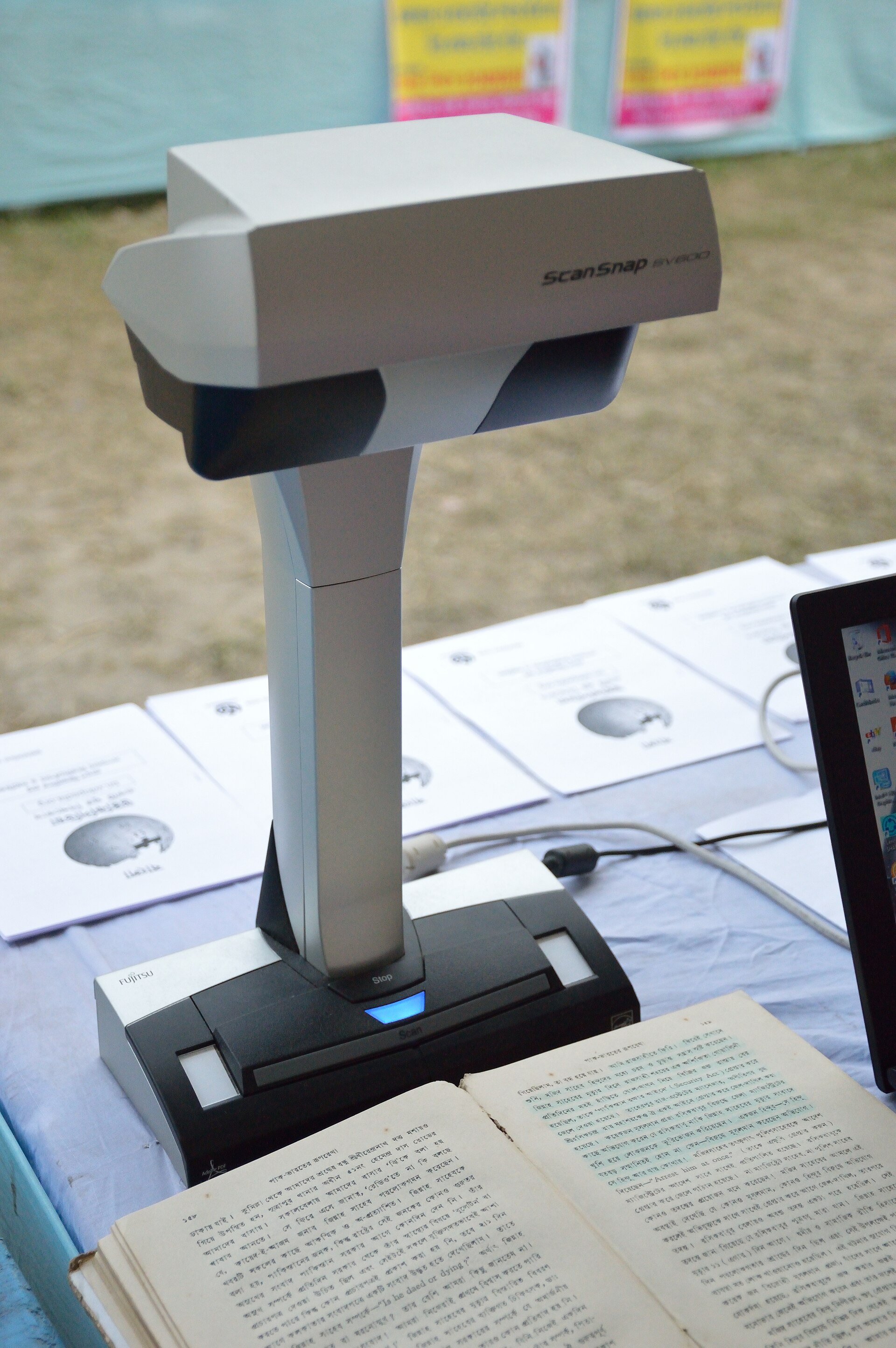
A scanner produces pictures, not text. OCR (optical character recognition) looks at each picture, finds the letter shapes, and works out which characters they are. This tool uses Tesseract, the open-source OCR engine maintained for decades and used by archivists and search engines, running entirely in your browser via WebAssembly.
The output keeps the original page picture exactly as scanned, and adds an invisible layer of recognised words positioned over it. You see the scan; your computer sees searchable text. That is the same technique professional “searchable PDF” tools use — and the reason a searchable PDF is bigger than the scan alone.
Straight talk: limits
Printed text only. Handwriting is not recognised. Faint, blurry, skewed or very small text recognises poorly — a sharper, straighter scan helps more than any setting. Accuracy is never 100%: always proofread important text, especially numbers. Word positions are approximate: the invisible text layer is positioned for searching and copying, not for pixel-perfect highlighting. One language per run: mixed-language documents should be run once per language and the better result kept.
OCR PDF FAQ
What does “searchable PDF” mean?
A PDF whose pages carry a text layer under the scanned image. You can use Find (Ctrl+F), select and copy text, and search engines can index the content — while the page still looks exactly like the original scan.
Will OCR work on handwriting?
No. This engine reads printed text only. Handwriting needs a different kind of recognition and is not supported here.
Why did my document come back with gibberish?
Almost always the wrong language setting, or a scan too faint or skewed to read. Re-run with the correct language and, if possible, a sharper, straighter scan.
What happens to pages that already have text?
They are copied into the output unchanged — the original text layer and vectors are preserved. Only image-only pages go through OCR.
Which languages are supported?
English, German, French, Spanish, Arabic, Urdu, Turkish, Hindi, Bengali and Simplified Chinese. Language data downloads once (1–20 MB depending on language) and is cached in your browser.
Is my document uploaded anywhere?
No. The OCR engine runs in your browser via WebAssembly. Nothing leaves your device — which is why the first run downloads the engine and language data.
How long does OCR take?
Roughly a few seconds per page on a typical laptop, depending on page size and language. Long documents take a while — the progress bar shows the current page.
Is this really free?
Yes — unlimited files, no watermark, no account. Tesseract is open-source software.
Sources & trust
OCR uses Tesseract.js v6 (Tesseract OCR engine, WebAssembly build) with language data from the official tessdata repository; page rendering uses pdf.js; PDF writing uses pdf-lib. Researched by PDFBuddyFree Team · Last updated 16 November 2026.
You may also need

Card photos: Shixart1985 / Wikimedia Commons, CC BY 2.0 · Kskhh / Wikimedia Commons, CC BY-SA 4.0 · Qurren / Wikimedia Commons, CC BY-SA 3.0




