Free PDF to EPUB Converter — Read Any PDF on Your E-Reader
Turn a PDF into a real EPUB ebook that reflows on any e-reader screen — Kindle, Kobo, Apple Books or your phone. The text is extracted page by page and packed into a proper EPUB file, all in your browser, never uploaded.
🔒 Your data never leaves this page
- The PDF is read and converted 100% in your browser — nothing is uploaded to any server.
- No account, no email capture, no file-size limits or daily caps.
- Books, contracts and private documents stay on your device by design. Why that matters →
Researched by PDFBuddyFree Team · Last updated November 17, 2026 · Data: EPUB 2 specification (IDPF), e-reader format support, 2026
Drop your PDF here or click to browse
Text-based PDFs convert best — scanned image-only PDFs have no text to extract
How it works in 4 steps
- Drop your PDF on the tool — it never leaves your device; it is read straight into the browser tab.
- Set the book title and author (optional) — they become the EPUB metadata your e-reader shows on its shelf.
- Press Convert to EPUB — the tool extracts the text page by page and builds a real EPUB 2 file with a table of contents.
- Download the .epub — open it in your e-reader app, or send it to your Kindle with Send to Kindle.
PDF vs EPUB: why convert at all?
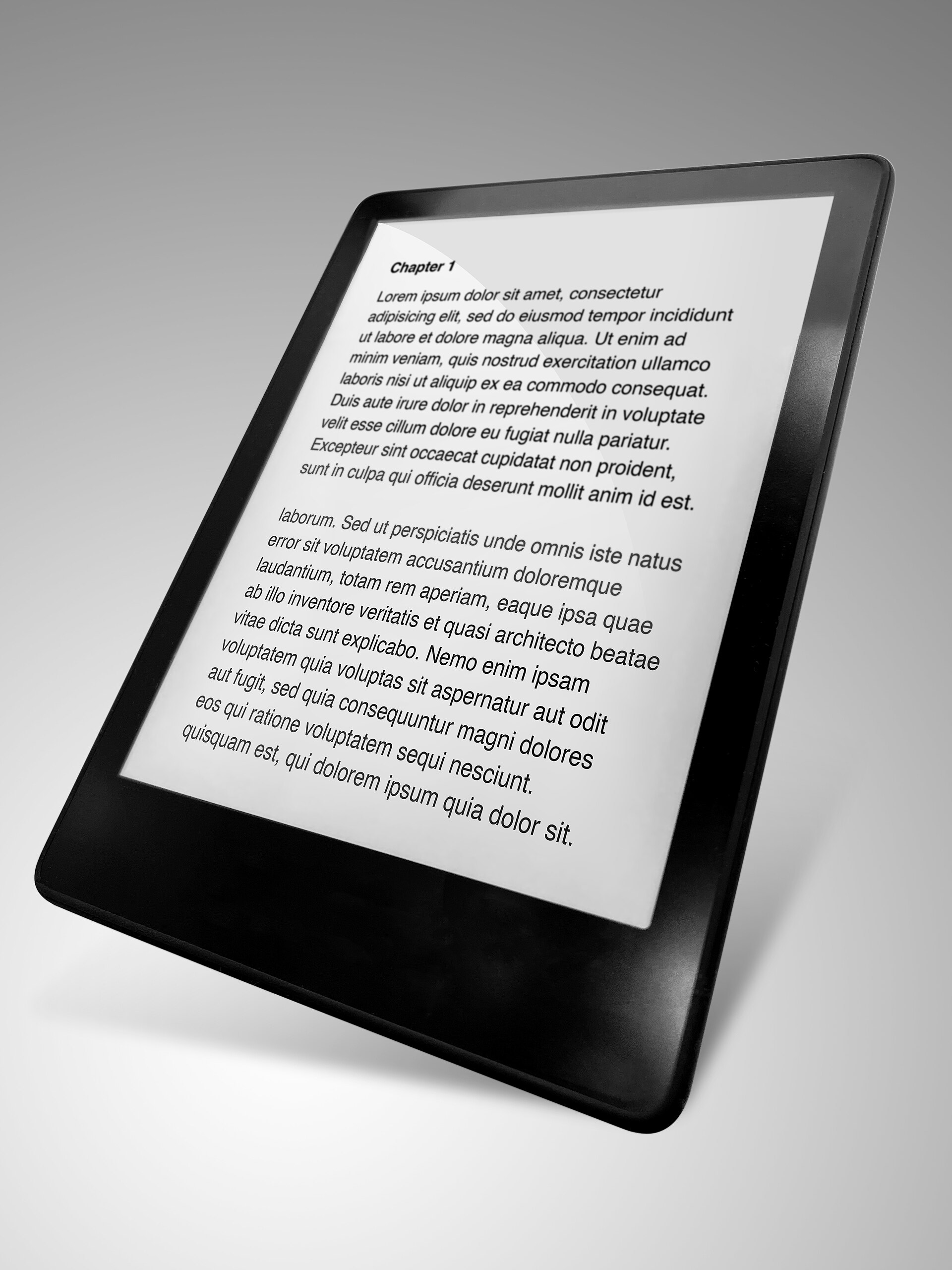
A PDF is a photograph of a page: it looks identical everywhere, but on a 6-inch e-reader you pinch, zoom and scroll sideways just to read a paragraph. An EPUB is reflowable text — the reader sets the font size, line spacing and margins, and the text simply flows. That is why every major e-reader — Kobo, Apple Books, Google Play Books, and Kindle via Send to Kindle — treats EPUB as its native reading format. The International Digital Publishing Forum's EPUB standard is the reason one file works on all of them: EPUB 2, published in 2007, is still the widest-supported ebook format in 2026.
| Format | Best for | On a small screen | Font size |
|---|---|---|---|
| Printing, forms, exact layout | Pinch and zoom | Fixed | |
| EPUB | Reading books and long reports | Text reflows to fit | Adjustable |
| RTF | Editing in Word / LibreOffice | Editable text | Adjustable |
If you need to edit the text rather than read it, use our PDF to RTF converter instead — RTF opens in Word and LibreOffice as an editable document.
Worked example — a 40-page PDF report onto a Kobo e-reader
A student downloads a 40-page PDF report for a train journey. On the phone the PDF is a chore: every page needs zooming. They drop the PDF here, type the title "Climate Policy Report 2026" and the author, and press Convert to EPUB. The tool reads all 40 pages, extracts the text, and builds a 180 KB EPUB with a table of contents (one entry per page). The file downloads, they copy it to the Kobo, and the report now reads like a book — large type, comfortable margins, no sideways scrolling. The charts in the original PDF do not carry over, so the student keeps the PDF too for the figures.
📸 The PDFBuddyFree verdict
- A real EPUB 2 file with proper metadata and a table of contents — not a renamed ZIP.
- Every conversion happens in your browser: books and private documents never touch a server.
- Honest about the trade-off: you get reflowable text, not the original layout — and the tool says so before you convert.
Straight talk: limits
📄 Text only — layout, images and tables do not carry over
EPUB is a text format. The converter extracts the words and rebuilds them as flowing paragraphs. Two-column layouts become one column, tables become plain text lines, and images are left behind. For reading, that is usually a win; for a document where the layout is the point, keep the PDF.
🖼️ Scanned PDFs have nothing to extract
A scanned PDF is a stack of photos. Text extraction reads characters, not pictures, so a scan converts to an almost-empty EPUB. Run scans through an OCR app first, then convert the text PDF here.
🔒 Password-protected PDFs cannot be converted
The browser cannot read a locked PDF's text without its password. Unlock a copy you own first, then convert it.
PDF to EPUB FAQ
How do I convert a PDF to EPUB for my e-reader?
Drop your PDF on the tool above, set the book title and author if you like, and press Convert to EPUB. The tool extracts the text page by page and builds a real EPUB file that opens in Kindle (via Send to Kindle), Kobo, Apple Books and any e-reader app.
Will the EPUB keep the PDF layout and images?
No — honestly, it will not. The EPUB carries the readable text, reflowed for an e-reader screen, with one chapter per PDF page-group. Layout, images, tables and fonts are not preserved. That trade-off is what makes the file small and readable on any e-reader.
Can I convert a scanned PDF to EPUB?
Not directly. A scanned PDF is a set of pictures with no text inside, so there is nothing to extract. Run the scan through an OCR app first to get a text PDF, then convert that PDF to EPUB here.
Is converting PDF to EPUB free?
Yes — unlimited files, forever. No signup, no watermark, no daily caps. Everything happens in your browser, so there is nothing to meter.
Does the tool upload my file?
No. The PDF is read and converted with JavaScript in this browser tab — it is never uploaded to any server, which is why books, contracts and private documents are safe here.
Will the EPUB work on a Kindle?
Yes. Send the downloaded .epub file to your Kindle with Amazon's Send to Kindle page or app, or sideload it by USB. Kobo, Apple Books, Google Play Books and most reading apps open EPUB files directly.
What is the difference between EPUB and PDF?
A PDF is a fixed page — it looks the same everywhere but is hard to read on a small screen. An EPUB is reflowable text: the e-reader adjusts font size, line spacing and margins to the screen. That is why EPUB is the better format for reading a long document on an e-reader or phone.
What if my PDF is password-protected?
Password-protected PDFs cannot be converted here — the browser cannot read their text without the password. Unlock the file first with the password you own, then convert the unlocked copy.
Sources & trust
EPUB format: Open Publication Structure 2.0.1 (International Digital Publishing Forum, 2007). E-reader support as stated by the device makers in 2026. Conversion happens entirely in your browser; nothing is stored or transmitted. Researched by PDFBuddyFree Team · Last updated November 17, 2026.
You may also need
Card photos: Paul_012 / Wikimedia Commons, CC BY-SA 4.0 · PDFBuddyFree team




