Free PDF to TIFF Converter — No Sign-Up, Instant
Turn any PDF into a TIFF in seconds: drop the file above and every page becomes one lossless image inside a single multi-page TIFF you can open in Photoshop, GIMP or any document system. It is free and unlimited — and the file never leaves your browser, unlike Zamzar or CoolUtils, which upload your document to their servers.
🔐 Your data never leaves this page
- Each page is rendered to a TIFF image 100% in your browser — nothing is uploaded to any server.
- No account, no email capture, no tracking of your documents.
- Your files stay on your device by design. Why that matters →
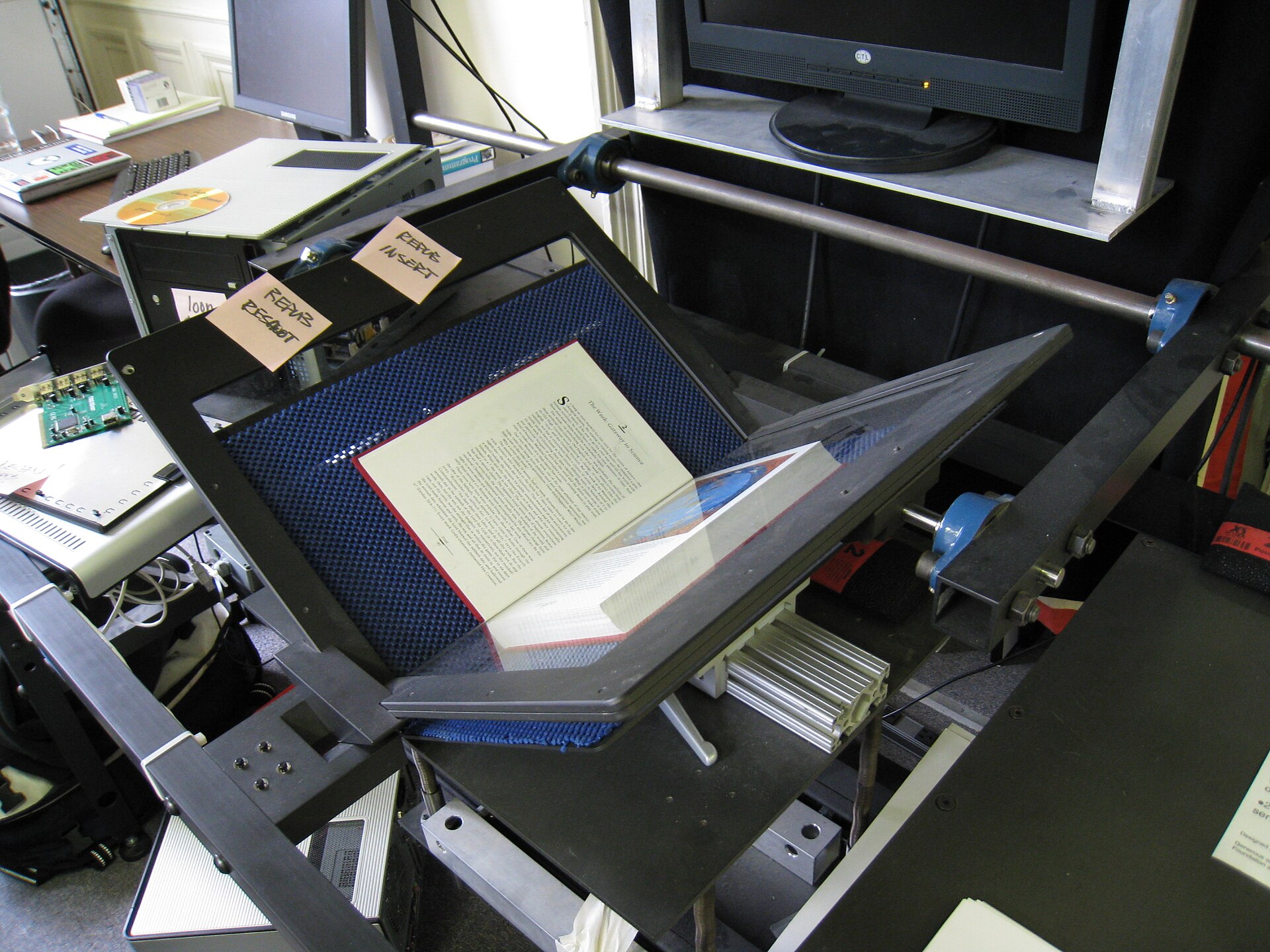
Every page becomes a lossless TIFF image — converted locally, nothing is uploaded
One multi-page TIFF file, pages in order. Limits: 30 pages at 150 DPI, 20 at 300 DPI, 5 at 600 DPI. TIFF files are large by design — a 3-page colour TIFF at 300 DPI is roughly 78 MB.
🚫 No upload
Your PDF never leaves this tab.
🔐 Files never leave your device
Rendered and packed on your own computer.
🙅 No sign-up
No account, no email, no daily cap.
How to convert PDF to TIFF in 3 steps
- Drop your PDF above. Click the box or drag the file in. A 10-page document takes about 15 seconds to read at 300 DPI.
- Choose a resolution and colour mode. 300 DPI colour is the right default for print and archiving; 150 DPI keeps files small for fax-style workflows, and greyscale suits text documents and fax systems.
- Press “Convert to TIFF” and download. The result is one multi-page TIFF with every page inside, in order, at the resolution you picked. Open it in Photoshop, GIMP or Windows Photos.
Researched by PDFBuddyFree Team · Last updated 11 November 2026 · Data: TIFF Revision 6.0 (Adobe, 1992); ISO 32000 (PDF)
Worked example: an 8-page contract becomes one TIFF
Take a typical scanned contract: 8 A4 pages, a signature page at the end, a 3.1 MB PDF. Drop it in, leave the default 300 DPI colour, and about 20 seconds later you download one multi-page TIFF of roughly 209 MB. Page 1 is the cover, pages 2–7 are the terms in order, page 8 is the signed page. Nothing is reflowed: the signature sits exactly where it was signed, because each page is rendered as it looked in the PDF. From there, file it in your document system, send it to print, or run OCR on it — at 300 DPI the small print survives recognition. If the archive only wants greyscale, convert again with greyscale picked — the image is greyscale, though the file stays the same size, because the TIFF still stores three colour channels.
Why convert a PDF to TIFF
🗄️ The archival standard
TIFF is the format archives, libraries and document-management systems standardise on. A TIFF from 1992 still opens today — that is the whole point of the format.
🖨️ Print prepress
Print shops ask for TIFF because it is lossless: no compression artefacts around text edges, no colour shifts. A 300 DPI TIFF is the file a printer can trust.
📠 Fax & document systems
Fax gateways, scanners and records systems still speak TIFF. When a system only accepts TIFF, this is the bridge from your PDF.
🏥 Medical & legal files
Medical imaging and legal filings often require TIFF for the same reason archives do: pixel-perfect, unchanging, readable in thirty years.
✨ Lossless quality
Unlike JPG, TIFF throws nothing away. Render once at the DPI you need and the image is exact — zoom in and the letters stay sharp.
🔒 Private by design
Server converters upload your whole document — contracts, medical records, signed forms. Ours never receives the file at all, which is exactly how confidential documents should be handled. Our safety guide explains the difference.
The number that explains the whole format
Adobe published TIFF Revision 6.0 on 3 June 1992 — more than thirty years ago — and it is still the standard for print, archiving and document imaging. That staying power is why a TIFF is the safe choice when a file must outlive the software that made it: the format is simple, lossless and supported everywhere. And 300 DPI is the resolution archives ask for, because it captures small print cleanly without making files absurdly large.
Straight talk: limits
🖼️ Pages become pictures
A TIFF page is a flat grid of pixels, so the selectable text, live links and vector sharpness in your PDF all become picture. If you need editable text, use our free text extractor instead.
📦 TIFF files are big
Lossless means large: a 20-page colour TIFF at 300 DPI is over 500 MB. Pick 150 DPI when the file only needs to be read on screen, or split the document first.
🔐 Password-protected PDFs cannot convert
Locked PDFs need their owner password before any tool can read them. Unlock the PDF first if you have the password.
Sources: TIFF Revision 6.0, Adobe Developers Association (3 June 1992); ISO 32000-1:2008 (PDF as an open standard). This page is not affiliated with Adobe.
PDF to TIFF FAQ
Is this PDF to TIFF converter really free?
Yes — unlimited conversions, every page, forever. No trial, no daily cap, no watermark, no account and no payment details. It runs entirely in your browser, so there is nothing to meter.
What DPI should I choose?
300 DPI is the right default: it is the resolution print shops and archives ask for, and small type survives OCR at it. Pick 150 DPI when the file only needs to be read on screen or sent through a fax-style system, and 600 DPI only when fine print must survive enlargement — it is limited to 5 pages because the files get very large.
Will I get one TIFF or one per page?
One multi-page TIFF with every page inside, in order. Most TIFF readers — Photoshop, GIMP, IrfanView, Windows Photos, macOS Preview — open multi-page TIFFs and let you step through the pages.
Is TIFF better than JPG for archiving?
Yes. JPG throws away image data every time it saves, which blurs text edges a little more with each save. TIFF is lossless: what you render is what stays, forever. That is why archives and print shops insist on it.
Can I convert a scanned PDF?
Yes — scanned PDFs convert perfectly, because every page is rendered as an image anyway. A scan becomes a TIFF page just like a text page. This is one of the few conversions where scans are not a problem at all.
How many pages can I convert at once?
30 pages at 150 DPI, 20 pages at 300 DPI, and 5 pages at 600 DPI. The limits keep your browser tab responsive — a 600 DPI colour page is about 100 MB of pixels. For longer documents, split the PDF first with our free split tool and convert each part.
Is my file uploaded anywhere?
No. The PDF is read, rendered and packed into the TIFF on your own device. You can verify it yourself: open your browser's Network tab while converting and you will see no upload. That is the whole point of this site — your documents stay yours.
What opens a TIFF file?
Photoshop, GIMP, IrfanView and Affinity Photo open TIFFs with full control, and Windows Photos and macOS Preview open them for viewing. Almost every document-management, fax and print system accepts TIFF too — it is the most widely supported image format there is.
🔐 Your files stay with you
- Processing runs 100% locally in your browser — nothing is uploaded to any server.
- No account, no email, no tracking of your documents.
- GDPR-friendly by design: we never receive your data in the first place.
You may also need
Card photos: Dmitry Makeev / Wikimedia Commons, CC BY-SA 4.0 · PNG keeps text and diagrams sharp because it compresses without losing detail. Photo: Dmitry Makeev / Wikimedia Commons, CC BY-SA 4.0 · Sage Ross (WMF) / Wikimedia Commons, CC BY-SA 3.0




