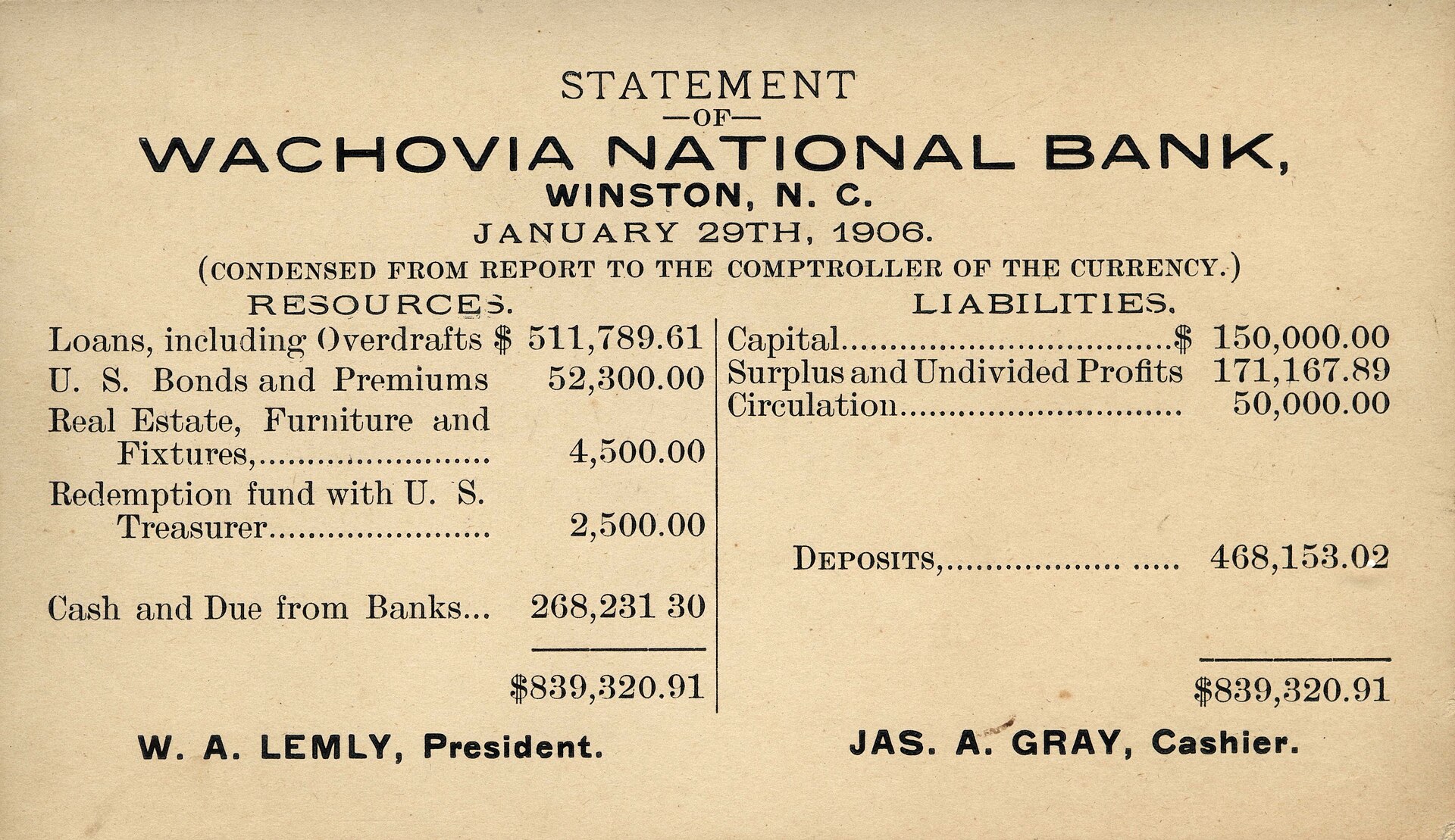
Upload a bank statement PDF and get an instant breakdown: total income, total spending, and every transaction grouped by category — rent, groceries, transport, subscriptions. Your statement never leaves your browser.
By Amir Shahzad · Last updated 20 November 2026 · Data: pdf.js 3.11.174, pdf-lib 1.17; ISO 32000 (PDF standard)
No statement chosen yet. Pick a statement PDF above — or try the built-in sample first.
Short answer: choose your statement PDF, press Analyse statement, and you get income, spending, balance and a category breakdown in seconds — plus a CSV for your spreadsheet. Nothing is uploaded: the whole analysis happens on your device.
A bank statement is a long list of lines — a date, a description, an amount. This tool reads the text layer of your statement PDF, pulls out every line that carries a date and an amount, works out whether each one is money in or money out, and groups the spending by what it was for. Salary and refunds count as income; everything else is grouped into housing, groceries, transport, subscriptions, dining, shopping or other, based on the merchant and description text. The result is the answer to the only question most people open a statement to ask: where did the money go?
The parser understands both European and Anglo number formats — 1.234,56 and 1,234.56 mean the same thing here — and €, $ and £ symbols. It also understands the two ways banks show direction: a minus sign in front of the amount, or income keywords such as SALARY, PAYROLL, REFUND or TRANSFER IN. If your bank shows spending as positive numbers in a "debit" column, the description keywords still sort income from spending correctly in most cases.
The built-in sample is a realistic November statement. Run it and you get exactly these numbers:
| Figure | Amount | How it is found |
|---|---|---|
| Income | €4,054.20 | Salary €3,200.00 + freelance payment €850.00 + interest €4.20 |
| Spending | €1,356.72 | Rent, groceries, transport, subscriptions, dining, shopping |
| Balance for the month | €2,697.48 | Income minus spending |
| Biggest single cost | €950.00 | Rent — 70% of all spending |
| Groceries | €192.35 | REWE €86.40 + EDEKA €64.20 + ALDI €41.75 |
| Subscriptions | €26.98 | Netflix €15.99 + Spotify €10.99 |
Rent dominating the month is the normal pattern — and it is exactly the kind of thing a quick category breakdown makes obvious. The same table on a real statement shows whether subscriptions have crept up, whether grocery spending jumped, or whether one month simply had an unusual one-off.
By the numbers: more than 400 billion PDFs were opened in Adobe Acrobat in the last year, and 16 billion documents were edited there (Adobe Fast Facts, 2024). Bank statements are among the most-downloaded PDFs of all — which is why analysing them privately, in the browser, matters more than for almost any other document type.
Adobe Acrobat can open a statement, but analysing it means either paying for Acrobat Pro or uploading the file to an online service. Most "bank statement converter" sites upload your statement to their servers, process it there, and ask you to trust their deletion policy. A bank statement lists your salary, your rent, where you shop and what you subscribe to — it is the last document that should travel to a stranger's server. This tool does the same first-pass job — totals, categories, CSV — without the file ever leaving your device. The trade-off is honest: a server tool with a full accounting engine can categorise more cleverly, but it sees your money. Here, only you do.
A photo or scan of a statement has no text layer — only pixels. Use your bank's downloadable PDF, or scan with an OCR option so the text becomes selectable first.
Merchant names are matched against keyword lists (REWE, EDEKA, ALDI → groceries; Netflix, Spotify → subscriptions). An unfamiliar shop lands in "Other" — check the list, don't trust a total blindly.
Mixed-currency statements (a € account with $ charges) are totalled as printed. Convert foreign amounts first if you need a single-currency total.
A password-protected statement cannot be read until it is unlocked. Unlock it first with our unlock tool, then analyse the unlocked copy.
Yes — unlimited statements, forever. No trial, no watermark, no account, no payment step. The analysis runs entirely in your browser.
No. Your statement is read and analysed 100% in your browser and never leaves your device. Check the Network tab: nothing is sent to any server. That matters more for a bank statement than for almost any other document.
Any text-based PDF statement works — German, Dutch, French, Spanish, British and US banks included — as long as each transaction sits on its own line with a date, a description and an amount. The parser understands European (1.234,56) and Anglo (1,234.56) number formats and €, $ and £.
Scanned statements contain pictures of text, not selectable text, so this tool cannot read them yet. Scan the paper statement to a searchable PDF first (most banking apps and scanners offer an OCR option), then analyse the searchable copy here.
Categories are a first-pass heuristic based on the merchant and description text — salary, rent, groceries, transport, subscriptions, dining, shopping and other. They are usually right for everyday spending, but always check the transaction list before relying on a total. Nothing here is financial advice.
Yes. Press Download CSV to get every parsed transaction in a spreadsheet-ready file (date, description, category, amount), or Download summary PDF for a one-page report with totals per category.
Yes — the same parser reads business statements, and the CSV export drops straight into bookkeeping. For a full conversion to spreadsheet columns, use our bank statement to Excel tool after analysing here.
Parsing: pdf.js 3.11.174 (Mozilla) for text extraction, pdf-lib 1.17 for the sample statement and the summary PDF. PDF format: ISO 32000-1:2008. Scale figure: Adobe Fast Facts, 2024 — more than 400 billion PDFs opened in Adobe Acrobat in the last year. Tested 20 November 2026 on the built-in 14-transaction sample statement (income €4,054.20, spending €1,356.72, balance €2,697.48). Figures in the worked example are illustrative. This tool is not financial advice: check every total against your bank's own statement before acting on it.
Want the full spreadsheet instead of a summary? Our bank statement to Excel tool converts the same PDF into columns. Need the numbers as plain text first? Extract text from PDF pulls the whole statement out as text.
Turn invoice and statement tables into spreadsheet-ready CSV files.
Open tool →
Build a professional PDF invoice in minutes — no sign-up, no upload.
Open tool →
Generate a clean profit and loss PDF for your small business.
Open tool →Educational content only. Nothing on this site is legal or professional advice.
 Free PDF Toolkit




