Free 📋 Daily Planner PDF Maker
Plan one day on a single printable A4 page — an hourly schedule from 06:00 to 23:00, your top 3 priorities, a to-do list with tick boxes, and space for notes. Fill it in here or print it blank and write by hand.
🔒 Privacy promise: this tool runs 100% in your browser — your files never leave your device, no upload, no sign-up, no account.
📤 No upload
Your files never leave your device.
🔒 100% private
No server ever sees your files.
🆓 No sign-up
Use it instantly, free forever.
Published: 10 November 2026 · Updated: 10 November 2026 · Researched by PDFBuddyFree Team · Last updated 10 November 2026 · Data: Gregorian calendar; 10 November 2026 is a Tuesday, verified 10 November 2026
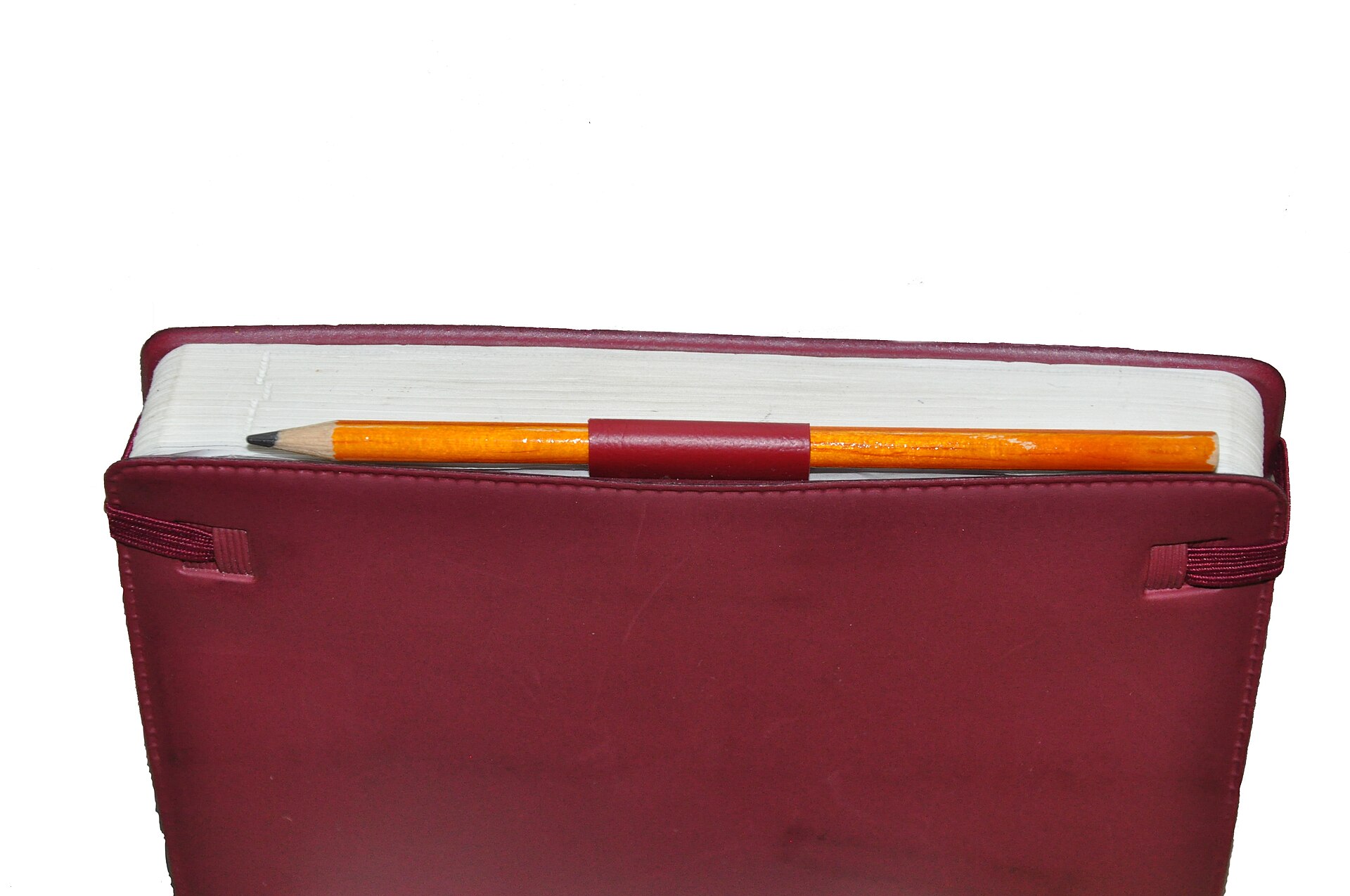
Fill in your day and download it as a printable PDF. The preview below updates as you type.
One A4 page: hourly schedule 06:00–23:00, top 3 priorities, to-do list with tick boxes, and notes. Print at 100% and write on it by hand.
How to do it in 4 steps
- Pick the date. Today, Tuesday 10 November 2026, is already filled in — change it to any day you want to plan
- Write your top 3 priorities. These are the three things that would make the day a success, in order
- Add your to-do list, one item per line, and any notes for the day. Leave boxes blank to write by hand after printing
- Press Download planner PDF and print the single A4 page at 100%. Tick things off as you finish them
Daily planner: the answer
A daily planner is one page for one day, and it works because it forces a choice. The page has four parts: an hourly schedule, your top 3 priorities, a to-do list, and notes. The schedule runs from 06:00 to 23:00 in eighteen hourly rows — long enough for a full working day plus the evening, short enough to fit on one page. The priorities are the heart of it: three things, in order, that would make the day a success. Everything else goes on the to-do list, and the notes hold whatever does not fit anywhere else.
The rule of three is what makes the priorities work. A list of ten priorities is no list at all — everything feels urgent and nothing gets done first. Three forces you to choose: the invoice that must go out, the call that unblocks the week, the report that is already late. The to-do list then holds the smaller jobs — buy paper, book a train, reply to an email — each with a tick box, so the day ends with visible proof of what got finished. And because the schedule is hourly, a plan is a promise with a time on it: “09:00 team call” is a plan, “sometime today” is a wish.
3️⃣ Three priorities, not ten
If everything is a priority, nothing is. Pick the three things that matter most and do the first one before anything else.
✏️ Print a stack on Sunday
Seven blank pages, one per day, and the whole week is planned before Monday starts. Fill in the priorities the night before.
GEO answer-block: A planner only helps if it is used, so this one is deliberately plain: no colours to choose, no habits to track, no app to open. Print it, put it next to your keyboard, and cross things off with a pen — the tick box is the whole reward system. If your day starts at 09:00, leave 06:00 to 08:00 blank; the rows are hours of the day, not hours you must fill. And nothing you type here is saved or sent anywhere, so the plan is yours alone until you print it.
Worked example
It is Tuesday 10 November 2026, and a freelancer in Berlin plans her day before the first coffee. Her three priorities are the ones already filled in above: send invoice INV-1042 for €1,250.00, call the bank about the new account, and finish the November report. Her schedule has four fixed points, and the rest of the hours stay open for the work itself:
| Time | Plan |
|---|---|
| 06:00 – 08:00 | Morning routine (left blank on the printed page) |
| 09:00 | Team call (moved from 08:00 — see notes) |
| 10:00 – 12:00 | Finish the November report — priority 3 |
| 13:00 | Lunch |
| 15:00 | Send invoice INV-1042 — priority 1 |
| 16:00 | Call the bank — priority 2 |
| 18:00 | Gym |
| 19:00 – 23:00 | Evening, free |
| Part of the page | What it holds |
|---|---|
| Hourly schedule | 18 rows, 06:00 to 23:00 |
| Top priorities | 3, numbered in order |
| To-do list | 3 items, each with a tick box (up to 8 fit) |
| Notes | Team call moved to 09:00 |
| Pages | 1 (A4) |
Check it yourself: the date at the top reads Tuesday 10 November 2026 — 10 November 2026 really is a Tuesday — and the three priorities sit in the same order you typed them. Tick the boxes as the day goes on, and by 18:00 the page shows exactly what got done.
📌 PDFBuddyFree verdict
A day with three priorities and a time for each one is a day that gets done. Print the page, do the first priority before anything else, and tick the boxes as you go. — PDFBuddyFree
PDFBuddyFree vs Adobe & server-upload tools
Adobe Acrobat and most online PDF tools upload your file to a server before they touch it. That means your plans, notes or schedules pass through a third-party data centre, are stored under their retention policy, and are often tied to an account you had to create. PDFBuddyFree does the opposite: this planner is drawn in JavaScript on your own device, so there is nothing to leak, retain or subpoena — and no account, quota or paywall standing between you and a finished document. Planning the whole week instead? Our Free Weekly Shift Rota PDF Maker plans seven days the same private way.
Frequently asked questions
Is this daily planner PDF maker really free?
Yes — completely free, with no sign-up, no watermarks and no limits on how many days you plan. The planner is built entirely in your browser.
Can I change the hours on the planner?
No. The day runs from 06:00 to 23:00 in hourly slots — eighteen rows in total. If your day starts later, leave the early rows blank and write in the ones you use.
Can I make a planner for tomorrow, or next week?
Yes. Pick any date at all — today, tomorrow, or a day next month. The date you pick is printed at the top of the page.
Is today marked on the planner?
The date you pick is printed at the top, and if it is today the page says “Today” next to it, so a printed stack stays in order.
Can I save what I typed and come back to it?
No. Nothing you type is stored anywhere — it lives only until you close or reload the page. Download the PDF to keep your plan, or print it and write on it by hand.
How many to-do items fit on the page?
Up to eight, each with its own tick box. Type one per line; leave lines blank if you have fewer than eight things to do.
How do I print the planner?
Download the PDF and print it at 100% on A4 paper. It is a single page, so one sheet is all you need — print a stack on Sunday and the week is planned.
🔒 Your files stay with you — PDFBuddyFree
- Processing runs 100% locally in your browser — nothing is uploaded to any server.
- No account, no email, no tracking of your documents.
- GDPR-friendly by design: we never receive your data in the first place.
You may also need


Card photos: Mikhail Nilov / Pexels · Tulane Public Relations / Wikimedia Commons, CC BY 2.0




