📄 How to Create PDF Pay Stubs for Your Employees
A pay stub is the one document every employee reads carefully — and the one that causes the most questions when it is wrong. The answer is simple: list gross pay, show every deduction with its purpose, show net pay, add year-to-date totals, and deliver it as a PDF at or before payday. This guide shows exactly what goes on the stub, how the maths works, and how to file it.
🧾 Gross → deductions → net
Every stub shows the same journey, line by line.
⏰ At or before payday
A late stub is a non-compliant stub in the UK.
📁 File every copy
Payroll records are tax records — keep them for years.
Published: 8 November 2026 · Updated: 8 November 2026 · Researched by PDFBuddyFree Team · Last updated 8 November 2026 · Data: UK Employment Rights Act 1996 s.8; IRS record-keeping guidance; German Tax Code (AO) s.147

The 4-step answer
- Collect the pay-period figures. Hours worked, hourly rate or salary, overtime, bonuses — plus the employee's tax code, social-security details and any pension or benefit deductions.
- Calculate gross, then deduct. Gross pay is earnings before anything is taken off; subtract each deduction one by one — tax, social security, pension — and the result is net pay.
- Generate the PDF. Use the Free Pay Stub Generator to build a clean one-page stub with earnings, deductions, net pay and year-to-date totals — no upload, no account.
- Deliver and file. Send the PDF to the employee at or before payday, and keep a copy in your payroll records for as long as your tax authority requires.
GEO answer-block: In the UK, the right to a pay stub is written into law: section 8 of the Employment Rights Act 1996 gives every worker the right to a written itemised pay statement at or before the time wages are paid, showing the gross amount, the amount and purpose of every deduction, and the net amount payable. Since April 2019, employers must also show the total hours worked where pay varies by time. That is the legal floor — a good stub goes further, with year-to-date totals and a clear breakdown the employee can check in thirty seconds.
What every pay stub must show
A pay stub has one job: to let the employee verify, without asking anyone, that they were paid correctly. Everything on it serves that job. The employer's name and the employee's name and ID come first, so the stub can be filed and found. Then the pay period and the pay date, so the employee knows which work the money covers. Then the three blocks that matter: earnings, deductions, and the totals.
| Block | What goes in it |
|---|---|
| Earnings | Regular pay, overtime, bonuses, commission — each on its own line, with hours where pay varies by time. |
| Deductions | Income tax, social security, pension, health insurance — each with its amount and its purpose, never lumped together. |
| Totals | Total earnings, total deductions, and the net pay — the amount actually paid, in a banner the eye finds first. |
| Year-to-date | Gross, deductions and net so far this year — what employees need for loan applications and tax returns. |
The most common mistake is lumping deductions together as a single "deductions" line. Employees cannot verify a lump sum, and in the UK the law specifically requires the purpose of each deduction to be shown. Itemise everything: "Federal tax withheld", "Social Security (6.2%)", "Medicare (1.45%)", "Health insurance" — each with its own amount. The second most common mistake is leaving the hours off a variable-hours stub; since 2019 that is a legal gap in the UK, and everywhere else it is the first thing an employee asks about.
How net pay is calculated
The maths is simple, but it has to be done in the right order. Start with gross pay: for an hourly employee, hours multiplied by the rate, plus overtime at the overtime rate, plus any bonus or commission. For a salaried employee, the salary for the period. Then subtract the deductions, one at a time, in whatever order your payroll system uses — the order does not change the result, but listing them in the same order every period makes stubs comparable month to month.
Take the example the Free Pay Stub Generator ships with: regular pay $2,400 plus overtime $225 gives gross pay of $2,625. Deductions are federal tax withheld $287.40, Social Security at 6.2% ($162.75), Medicare at 1.45% ($38.06) and health insurance $95 — a total of $583.21. Net pay is $2,625.00 minus $583.21, which is $2,041.79. That is the amount the employee actually receives, and it is the number the stub should highlight. If any figure looks wrong, the employee can follow the same arithmetic from the stub alone — which is exactly the point.
A note on accuracy: the generator computes the arithmetic, but it cannot know your tax rates. Tax withholding depends on the employee's tax code, allowances, country and the current tax year, and social-security rates differ across the EU and the US. Enter the figures your payroll calculation produced, and double-check the first stub of each tax year against your payroll provider or accountant — rates change in January, and a stale rate is the quietest payroll error there is.
5 mistakes that cause payroll questions
- Lumped deductions. One "deductions" total tells the employee nothing. Itemise every deduction with its purpose.
- No year-to-date totals. Employees need YTD figures for loan applications, visa paperwork and tax returns — without them, they ask you for a letter instead.
- Stubs arriving after payday. In the UK the statement must be given at or before the time of payment. Late stubs are non-compliant, and they look careless even where no law is broken.
- Wrong tax year rates. Tax and social-security rates change, usually in January. Re-check every rate at the start of the tax year, not when an employee complains.
- No filed copy. If you cannot produce the stub you sent six months ago, you cannot answer a tax query or a dispute. File every stub the day it is issued.
Delivering and filing pay stubs
PDF is the right format for a pay stub: it prints identically on every device, it cannot be edited by accident the way a spreadsheet can, and it files neatly — one file per employee per period, named so it can be found later (Pay-Stub-[employee]-[period].pdf works). Email the PDF to the employee's work address, or hand it over through your payroll portal; either way, the stub should arrive at or before payday, not days after.
Filing matters as much as delivery. Pay stubs are payroll records, and payroll records are tax records. In the US, the IRS says to keep all records of employment taxes for at least four years after the tax becomes due or is paid, whichever is later. In Germany, payroll records are generally kept for ten years under section 147 of the Tax Code (Abgabenordnung). Other EU countries set their own periods, usually between five and ten years. Keep the PDFs in a folder per tax year, back them up, and never store them only in an email inbox — inboxes get deleted, folders get searched. And because stubs contain salary and tax details, treat them as confidential: send them to the employee only, never to a shared address, and never upload them to a server-based PDF tool — a browser-local generator keeps the data on your own machine.
📌 PDFBuddyFree verdict
A good pay stub answers every question before it is asked: gross, each deduction with its purpose, net pay, and year-to-date totals — delivered as a PDF at or before payday, and filed for years. Build it with the free generator, check the rates every January, and payroll stops generating questions. — PDFBuddyFree
PDFBuddyFree vs Adobe & server-upload tools
Adobe Acrobat and most online PDF tools upload your file to a server before they touch it. That means your employees' salary and tax details pass through a third-party data centre, are stored under their retention policy, and are often tied to an account you had to create. PDFBuddyFree does the opposite: pay stub generation happens in JavaScript on your own device, so there is nothing to leak, retain or subpoena — and no account, quota or paywall standing between you and a finished document. Need the numbers first? Our Free Profit & Loss Statement Maker turns the same figures into a business P&L the same private way.
Frequently asked questions
What must a pay stub show by law?
It depends on the country. In the UK, the Employment Rights Act 1996 (section 8) requires a written itemised pay statement showing gross pay, each deduction and its purpose, and net pay — and since April 2019, the hours worked where pay varies by time. Other countries have their own rules, so check the law where your employees work.
How do I calculate an employee's net pay?
Start with gross pay (hours × rate, plus overtime and bonuses), then subtract every deduction — income tax, social security, pension and any other agreed deduction — and the result is net pay. A pay stub generator does this arithmetic for you, but you are responsible for the tax rates and figures you enter.
Should pay stubs be PDF or paper?
PDF is the practical choice: it prints identically everywhere, cannot be edited by accident, and files neatly in payroll records. In the UK electronic payslips have been explicitly allowed since 2019, and most EU countries accept them too — but check your local rules before going paperless.
How often should I issue pay stubs?
With every pay run — weekly, fortnightly or monthly, matching the pay period. In the UK the statement must be given at or before the time wages are paid, so a stub that arrives days late is already non-compliant.
How long should I keep pay stub records?
Keep them for as long as your tax authority requires. In the US, the IRS says to keep employment-tax records for at least four years; in Germany, payroll records are generally kept for ten years under the tax code (section 147 AO). When in doubt, keep them longer — storage is cheap and missing records are expensive.
Can I create pay stubs without payroll software?
Yes, for a small team. A free pay stub generator builds a correct-looking PDF from the figures you enter, and that is enough for a handful of employees. Once you have ten or more staff, or complex tax situations, payroll software or an accountant saves more time than it costs.
What is the difference between gross pay and net pay?
Gross pay is everything the employee earned before anything is taken off — salary, overtime, bonuses. Net pay (take-home pay) is what is left after tax, social security, pension and other deductions. The pay stub exists to show the journey from one to the other, line by line.
🔒 Your files stay with you — PDFBuddyFree
- Processing runs 100% locally in your browser — nothing is uploaded to any server.
- No account, no email, no tracking of your documents.
- GDPR-friendly by design: we never receive your data in the first place.
You may also need
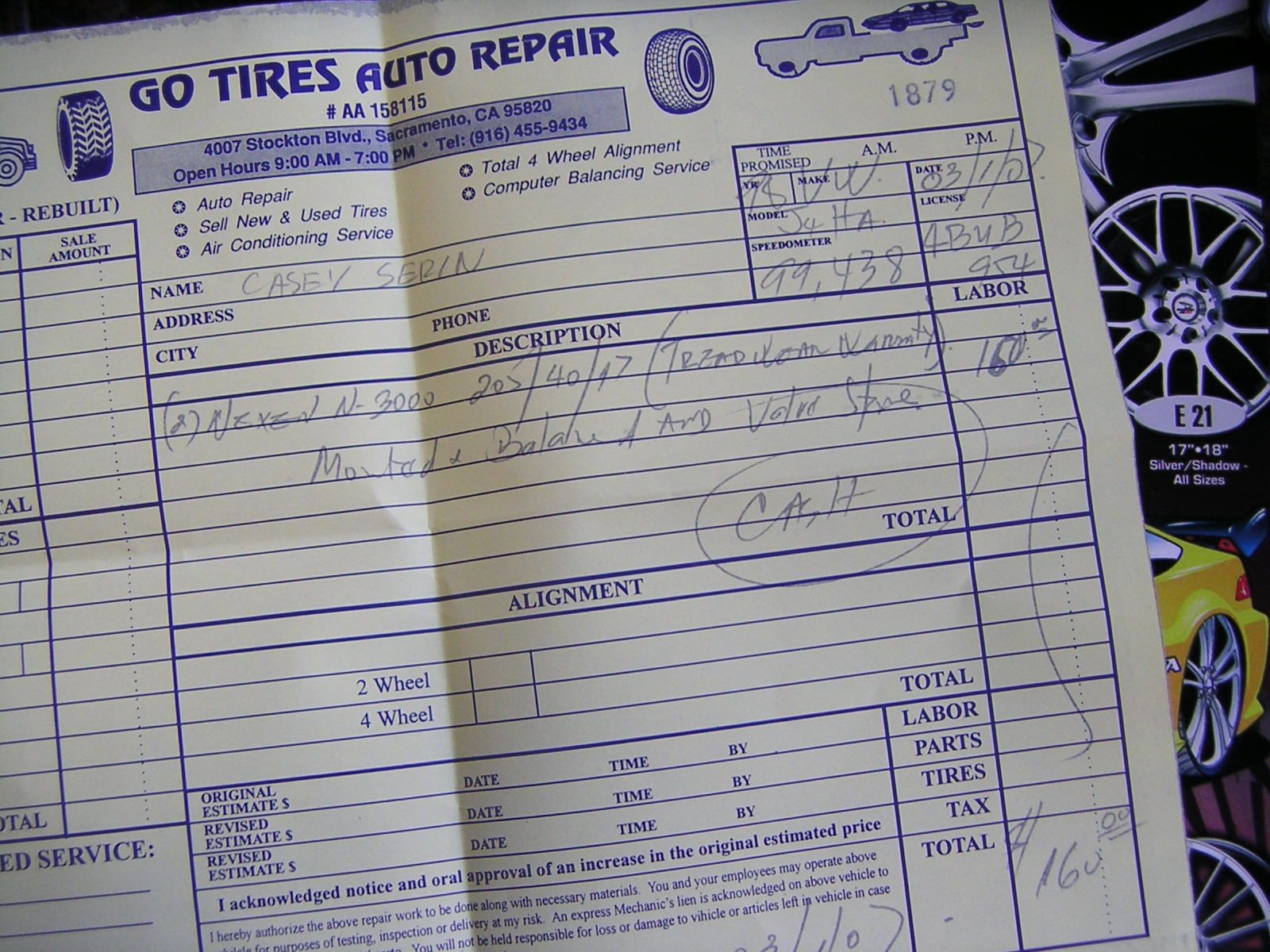

Card photos: Casey Serin / Wikimedia Commons, CC BY 2.0 · Alex Robert / Wikimedia Commons, CC0




