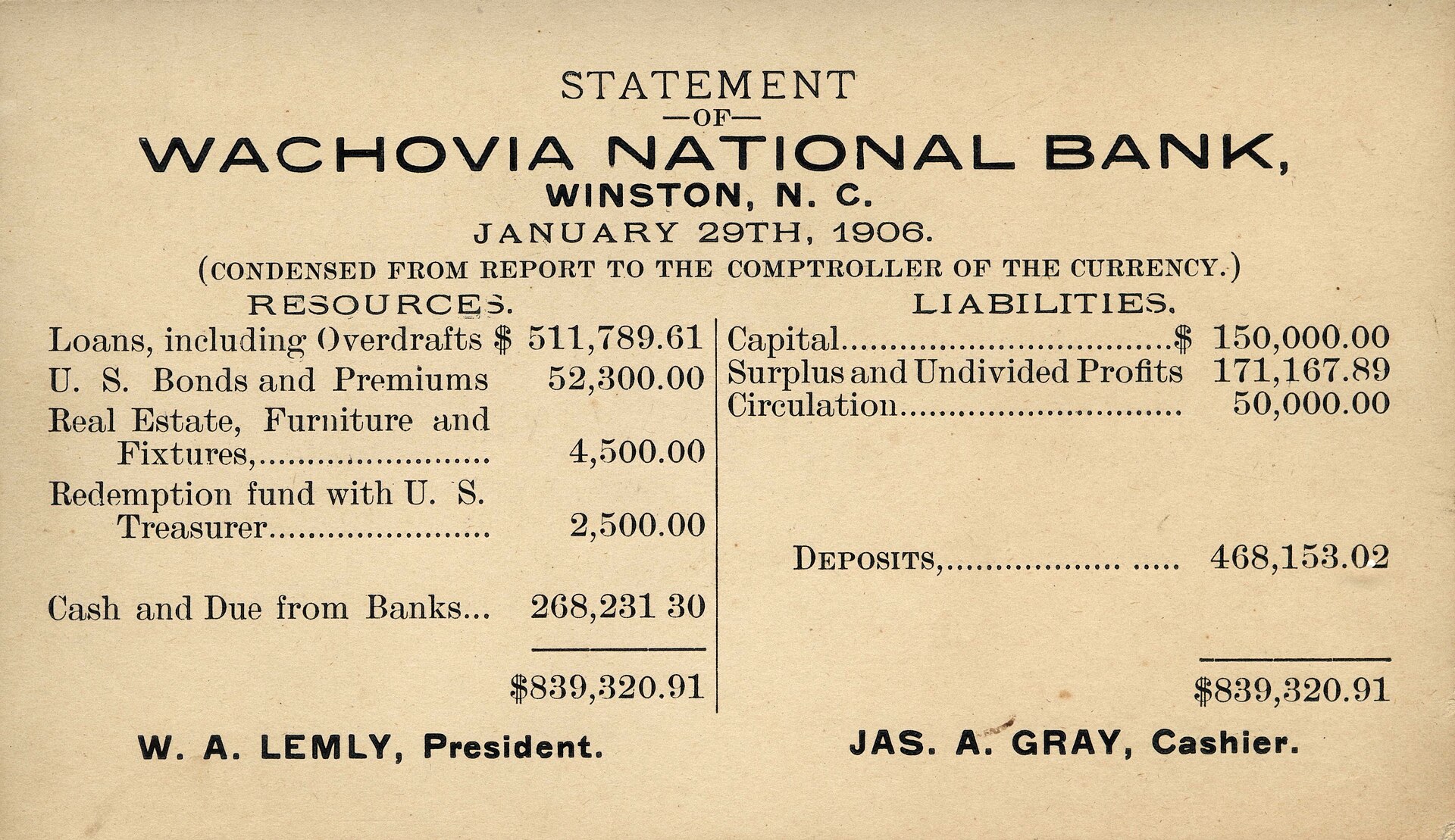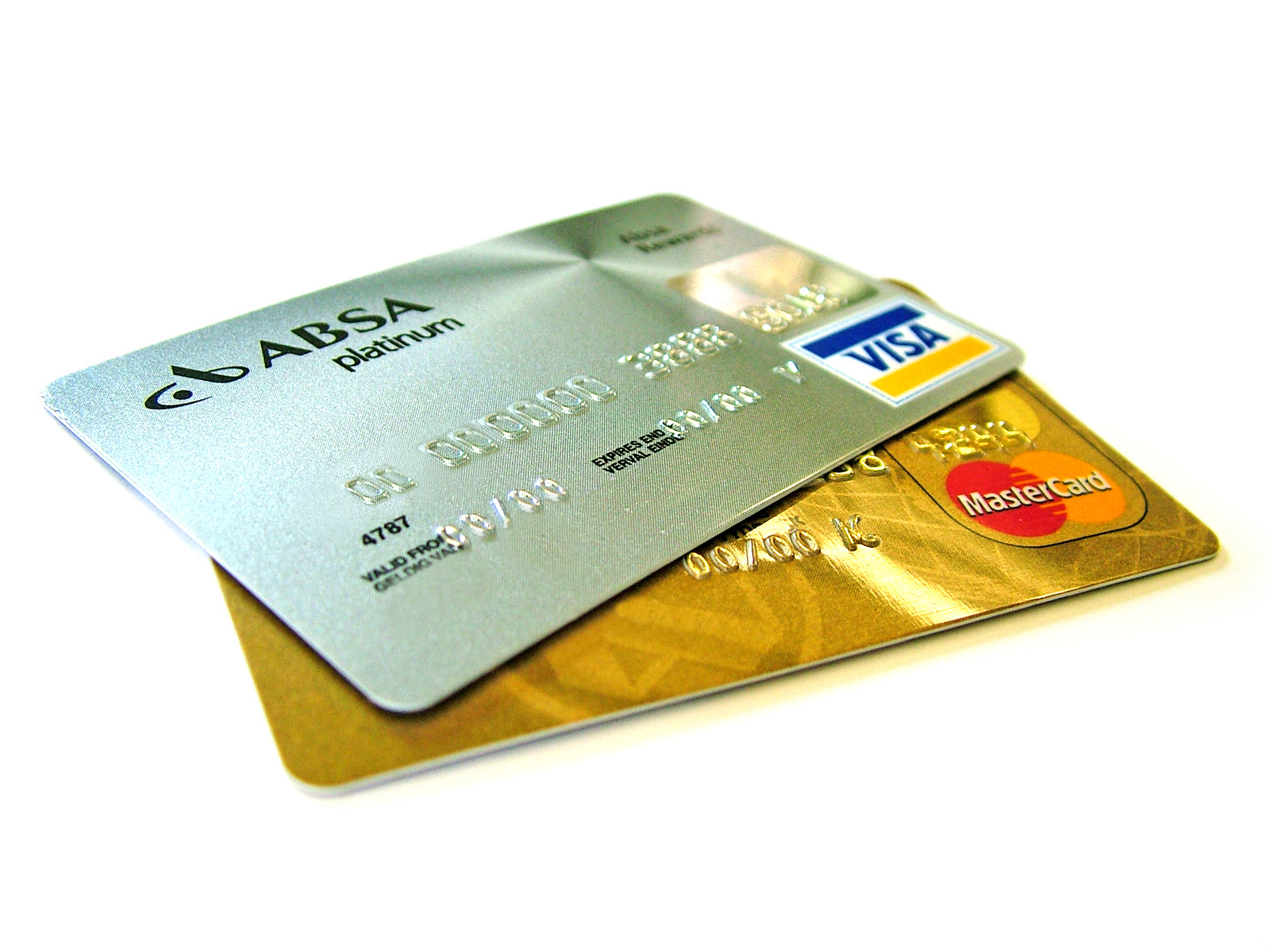
Share a bank statement without sharing your account. This tool finds IBANs, card numbers, emails and phone numbers automatically — and removes them for real, by re-rendering each page as an image.
By Amir Shahzad · Last updated 22 November 2026 · Data: IBAN checks use the ISO 13616 mod-97 check; card numbers use the Luhn check; detection runs on the statement's text layer
Drop your bank statement PDF here, or click to choose a file
Your statement never leaves your device. Scanned statements (pictures with no text) cannot be auto-scanned — use the manual redact tool for those.
Names are not auto-detected — use the manual redact tool for names and signatures.
No statement loaded yet. Upload a PDF above, or build the sample statement to try the tool with fictional data.
Short answer: upload your statement and press Scan — the tool finds IBANs, card numbers, account numbers, emails and phone numbers, shows you each match masked, then re-renders every page with the matches blacked out for real and checks the output by reading it back. Nothing is uploaded.
A bank statement is full of numbers that look alike — dates, amounts, references, balances — and only some of them are sensitive. Drawing black boxes by hand means reading every line and hoping you did not miss one. Auto-redaction does the reading for you: it takes the text layer of the statement, tests every candidate number against a real checksum, and only blackens the ones that pass. An IBAN is only treated as an IBAN if it passes the ISO 13616 mod-97 check (the same check banks use); a card number is only treated as a card number if it passes the Luhn check. Dates and amounts fail those checks, so they stay visible. Then the redaction itself is done the only honest way: each page is re-rendered as a high-resolution image with solid black pixels where the matches were, and the output PDF is built from those images. The original characters no longer exist in the file — there is nothing to select, copy or recover with any PDF tool. The tool proves it by opening the finished file and reading it back: if an IBAN or a card number were still in there, it would say so.
Press "Build a sample statement" and the tool creates a one-page statement for a fictional customer, Jane Doe, at a fictional Example Bank. Press Scan and it finds five matches:
| What it finds | Example from the sample | Check used |
|---|---|---|
| IBAN | DE89 3704 0044 0532 0130 00 | mod-97 checksum |
| Card number | 4111 1111 1111 1111 | Luhn check |
| Account number | 0532013000 | 8–12 digit pattern |
| jane.doe@example.com | Email pattern | |
| Phone | +49 30 12345678 | Phone pattern, 9–15 digits |
Press Redact and download, and the output is a one-page PDF where all five are blacked out — while the transactions, dates and amounts stay readable: the salary of €2,450.00, the rent of €850.00, the supermarket spend of €86.40 and the balance of €1,394.85 are all still there. Tick "Keep last 4 digits visible" first and the same five matches are blackened except for their final four digits, the way banks themselves print statements.
By the numbers: the sample IBAN, DE89 3704 0044 0532 0130 00, is the standard worked example from the IBAN specification — rearranged and converted to digits, it leaves a remainder of 1 when divided by 97, which is what makes it a valid IBAN. A single wrong digit breaks that remainder, which is exactly why the check catches typos and look-alikes instead of blacking out every long number on the page.
| Approach | Finds it for you | Best for |
|---|---|---|
| Auto-detect (this tool) | IBANs, cards, accounts, emails, phones | Digital statements with a text layer |
| Manual redact tool | Nothing — you draw every box | Names, signatures, photos, scanned pages |
| A black highlighter | Nothing — and it is not redaction | Never use it: the text stays in the file |
One honest trade-off: auto-detection can only find what it can read. A scanned statement is a picture with no text layer, so nothing will be found and the scan will come back empty — that is the tool telling you the truth, not a failure. For scanned pages, use the manual redact tool and draw the boxes yourself; the export re-renders the pages the same way, so the result is just as permanent. And names are deliberately not auto-detected: a name is not a pattern, and guessing at names would black out ordinary words. Check the output once before you share it, and keep your original file.
The well-known online redactors — including iLovePDF's Redact — ask you to upload your statement to their server, and their automatic patterns cover cards, phones and emails but not IBANs with a checksum. Uploading a bank statement means handing the most sensitive document most people own to a stranger's server, and trusting their deletion policy afterwards. This tool never uploads anything: the scan, the rendering and the rebuild all happen in your browser, and the detectors are bank-statement specific — IBANs are verified with mod-97, cards with Luhn, and account numbers, emails and phones are matched as their own categories. The honest limit is the same as any local tool: it cannot read a scanned page, and it cannot judge whether a name or a reference is sensitive. Read the match list before you export, and check the output once before you share it.
Auto-detection needs a text layer. A scanned statement has none, so the scan finds nothing — use the manual redact tool and draw the boxes yourself.
A name is not a pattern. If your statement shows a name you want hidden, black it out with the manual redact tool after this one, or before.
The tool verifies that no IBAN or card number remains, but only you know what else on the page is sensitive. Open the redacted file once before you share it.
Redaction is permanent. Keep a copy of the original statement somewhere safe — the redacted file cannot be turned back.
Yes — unlimited statements, forever. No trial, no watermark, no account, no payment step. The scan, the redaction and the PDF are made entirely in your browser.
It reads the text layer of your statement and checks each candidate with a real checksum: an IBAN must pass the ISO 13616 mod-97 check, and a card number must pass the Luhn check. Account numbers, email addresses and phone numbers are matched by pattern. Anything that fails its check is left alone, so dates and amounts are not blacked out by mistake.
Permanent. Each page is re-rendered as an image with solid black pixels where the sensitive data was, and the output PDF is built from those images. The original characters no longer exist in the file, so there is nothing to select, copy or recover. The tool then reads the output file back and confirms no IBAN or card number remains.
The manual redact tool lets you draw black boxes over anything you choose, which is right for names, signatures and photos. This tool finds bank-statement data for you — IBANs, card numbers, account numbers, emails and phone numbers — so you do not have to hunt through every line. Use the manual tool for anything this one does not detect, such as a name.
Yes — tick Keep last 4 digits visible before you redact, and the tool blackens everything except the final four digits of each IBAN and card number. That matches how banks themselves print statements, and it still hides enough that the number cannot be used.
Only partly. A scanned statement is a picture with no text layer, so there is nothing for the detectors to read and nothing will be found automatically. For a scanned statement, use the manual redact tool and draw boxes over the numbers yourself — the export still re-renders the pages, so the redaction is just as permanent.
No. Every step — opening the statement, scanning it, rendering the pages and building the redacted file — runs in JavaScript inside your own browser. Your un-redacted statement never leaves your device.
Checks: IBAN validation follows ISO 13616 (mod-97); card validation uses the Luhn algorithm. Libraries: pdf.js 3.11.174 and pdf-lib 1.17. Tested 22 November 2026 on the built-in sample statement (5 matches — IBAN, card, account number, email, phone — all removed, and the output file read back clean). This page is a privacy tool, not legal or financial advice. Always open the redacted file once before sharing it, and keep your original.
Need to hide a name or a signature too? Our manual redact tool lets you draw black boxes over anything, and the bank statement analyzer reads a statement's income and spending instead.
Reconcile your books against a statement — free, no upload.
Open tool →Educational content only. Nothing on this site is legal or professional advice.
 Free PDF Toolkit