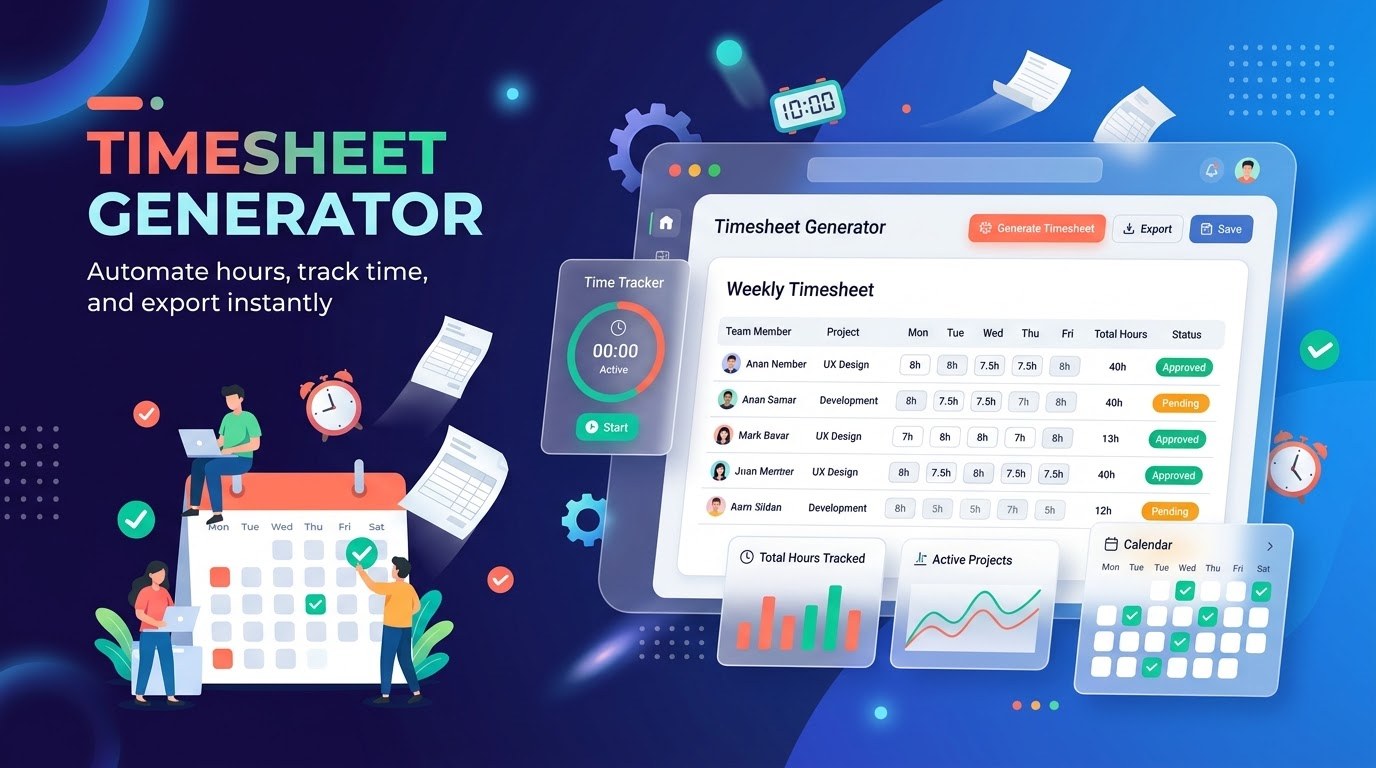
Tracked your hours all month — now turn them into money. Paste in your time entries and download a clean, professional invoice PDF in seconds: every entry becomes a dated line with its hours, rate and amount, totals calculated automatically. Free, unlimited and watermark-free — built on your own device, so your client names, hours and rates are never uploaded anywhere.
| Date | Task | Hours | Rate / hour | Amount |
|---|
Quick answer: A timesheet is a record for you; an invoice is a demand for payment your client can act on. The invoice needs what a timesheet lacks: a unique number, a date, a payment deadline, your business details, and a total due. This tool converts one into the other — every time entry becomes a dated line with hours, rate and amount — so the client sees exactly what they are paying for and can approve it in one read.
Example: 18 hours of design work at €65 an hour becomes €1,170. Add three more entries — 4 hours of revisions at €65 (€260), 2 hours of meetings at €65 (€130) — and the invoice totals €1,560 before VAT. Under the EU Late Payment Directive (2011/7/EU), business-to-business invoices in the EU carry a default 30-day payment term unless the contract says otherwise, so set your due date and state it on the invoice. Specific task lines get approved faster than a single vague total: “Homepage redesign — wireframes and build, 12 Nov” leaves nothing to argue about, while “work — 18 hours” invites questions and delays. Keep your detailed timesheet for your own records; the invoice is the clean summary the client pays against.
Invoice weekly or monthly, never whenever you remember: regular invoices get paid on a rhythm, and a client who receives one invoice a month learns when to expect it. Our Free timesheet generator makes the timesheet itself, our freelance invoice generator covers fixed-price work, and our late payment reminder maker chases the invoice if the deadline passes.
The fastest-paid invoices share four traits: specific task descriptions, a visible total, a clear due date, and payment details the client can use without replying to ask. Write each entry so the client recognises the work — “Client onboarding call and setup, 14 Nov, 1.5 hours” beats “calls”. Round hours honestly: most freelancers bill in 15-minute blocks and say so on the invoice, which clients accept far more readily than unexplained decimals. And always number your invoices in one unbroken sequence (INV-2026-001, INV-2026-002): a missing number invites questions from accountants and tax offices alike.
One mistake costs freelancers real money: sending the raw timesheet instead of an invoice. A spreadsheet of hours is not a payment request — it has no number, no deadline and no total due, so it sits in the client's inbox while the month passes. Convert it the moment the work period ends. If a client disputes a line, the detailed timesheet behind the invoice is your evidence; keep it, but never send it as the invoice itself.
Every entry names the work in plain words. If the client cannot match a line to work they saw, they will query it — and payment waits.
Number invoices sequentially with no gaps. Tax offices in the EU and the UK expect it, and your own bookkeeping depends on it.
State the payment deadline on the invoice itself. The EU default for business invoices is 30 days unless your contract says otherwise.
Charge VAT only if you are VAT-registered. For intra-EU B2B sales, use our reverse charge invoice maker instead.
Timesheet invoices contain exactly the data you least want on someone else's server: client names, your hourly rates, how many hours you worked and for whom. Server-based generators receive all of it, store it under their retention policy, and may keep backups after “deletion”. This tool assembles the PDF with JavaScript on your own device — open the Network tab and verify it yourself: no upload happens. That is the same privacy promise behind our Free invoice generator and our safety guide, which explains the upload-vs-browser difference in plain terms.
The trade-off is honest and small: because nothing is stored for you, the form clears if you refresh — so download the PDF before leaving the page, and file it with your invoices. That is the entire cost of keeping client financial data off the internet.
Affiliate disclosure: This page contains an affiliate link. If you buy through it, Free PDF Toolkit may earn a commission at no extra cost to you. See our Affiliate Disclosure.
Timesheet invoices go out by email, and a free mailbox address does not look like a business. MailCheap provides private email hosting for your own domain, so your invoices arrive from a professional address you control.
Each timesheet entry — date, task, hours, hourly rate — becomes one line on the invoice. The tool multiplies hours by the rate for every line, adds them up, and prints the total as the amount due. You get a dated, numbered invoice your client can pay, instead of a raw list of hours.
Yes. Every entry has its own rate field, so design work at €75 an hour and admin work at €40 an hour can sit on the same invoice, each calculated separately. The PDF shows the rate next to each line so the client can see exactly what they are paying for.
Yes — set the VAT rate field (0% if you are not VAT-registered or the sale is reverse charge) and the tool adds the VAT line and the total including VAT. For intra-EU business-to-business sales, use our reverse charge invoice maker instead, which prints the Article 196 statement.
A short task description the client recognises (“Homepage redesign — wireframes and build”), the date, and the hours. Vague lines like “work” invite questions and slow payment; specific lines get approved faster. Keep the original detailed timesheet for your own records.
There is no limit in this tool — add as many entries as the month needs. Very long invoices become hard to read, so most freelancers invoice weekly or monthly. If the PDF runs long, it flows onto extra pages automatically.
No. The invoice is assembled with JavaScript on your own device — your client names, hours and rates never leave the browser. Open the Network tab while you generate the PDF and verify it yourself: no upload happens.
Yes — unlimited invoices, every field, PDF download, forever. No trial, no watermark, no account, no payment details. It runs entirely in your browser, so there is nothing to meter.
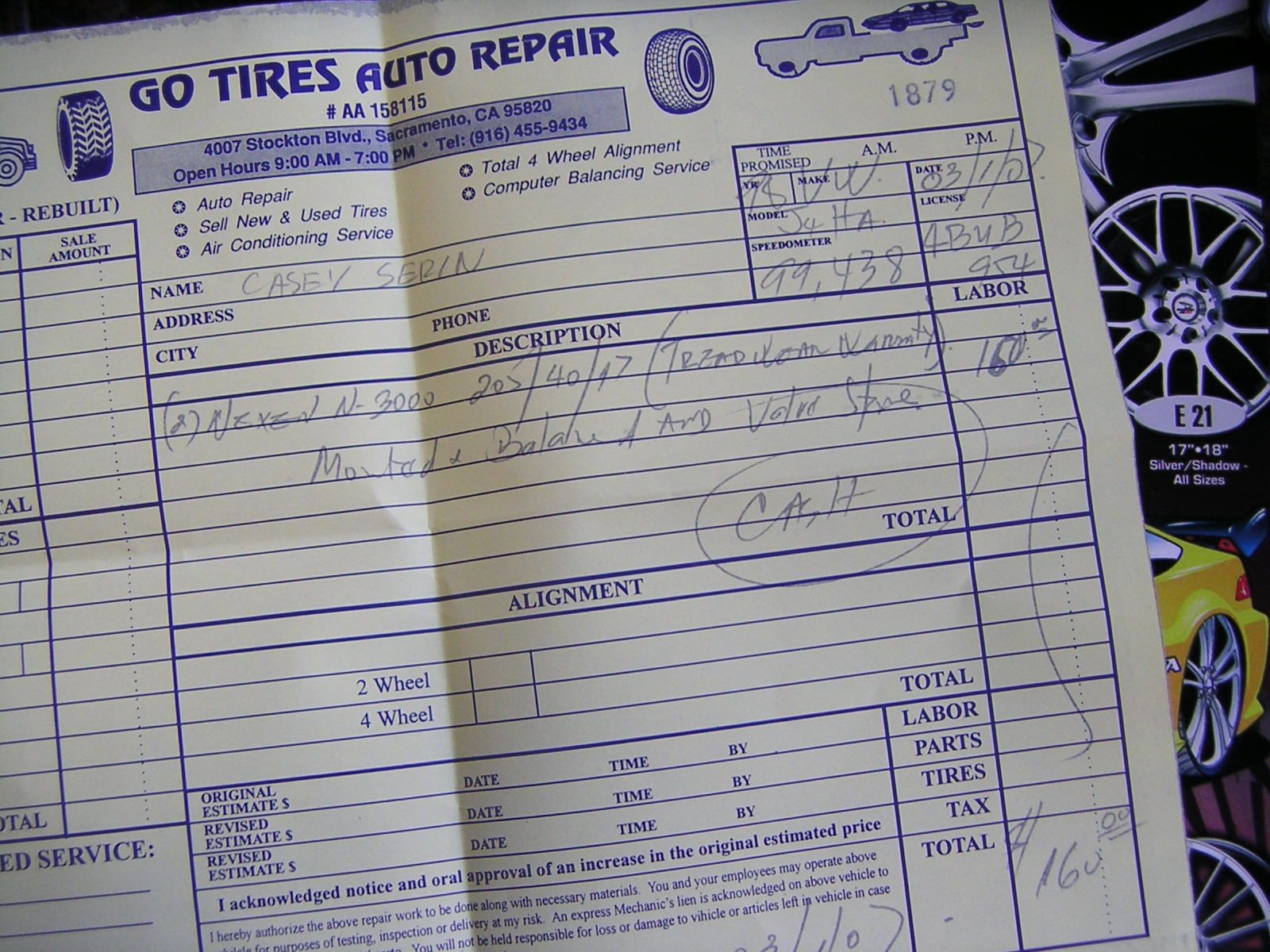
Card photos: Casey Serin / Wikimedia Commons, CC BY 2.0
Educational content only. Nothing on this site is legal or professional advice.
 Free PDF Toolkit