Free Trim PDF White Margins Online
Scanned pages come with big white borders that waste screen space and paper. This tool finds the real content on every page and crops the empty margins away — in your browser, free.
Auto-crop to content
Each page is cropped to its own text and images — no manual dragging.
Fixes scanned books
Big white borders from book scans shrink to a tidy, readable page.
100% private
Scanning and cropping happen in your browser. Nothing is uploaded.
How to use this tool
- Choose a PDF: Tap “Choose a PDF file” and pick the scanned document with wide margins.
- Scan margins: Press the scan button. Each page is rendered and the content area is measured — the red box in the preview shows what will be kept.
- Set the padding: Use the slider to keep a little breathing room around the text (12 pt is a good default).
- Download the trimmed PDF: Press “Trim margins & download PDF” and save the tighter file.
Worked example
A 180-page scan of a paperback had 40 pt of white space on every side — on a tablet, the text filled barely half the screen. After trimming with 12 pt padding, the same page filled the screen, the file went from 22 MB to 19 MB, and printing it used far less paper because two trimmed pages now fit on one printed sheet.
Answer in brief: the facts
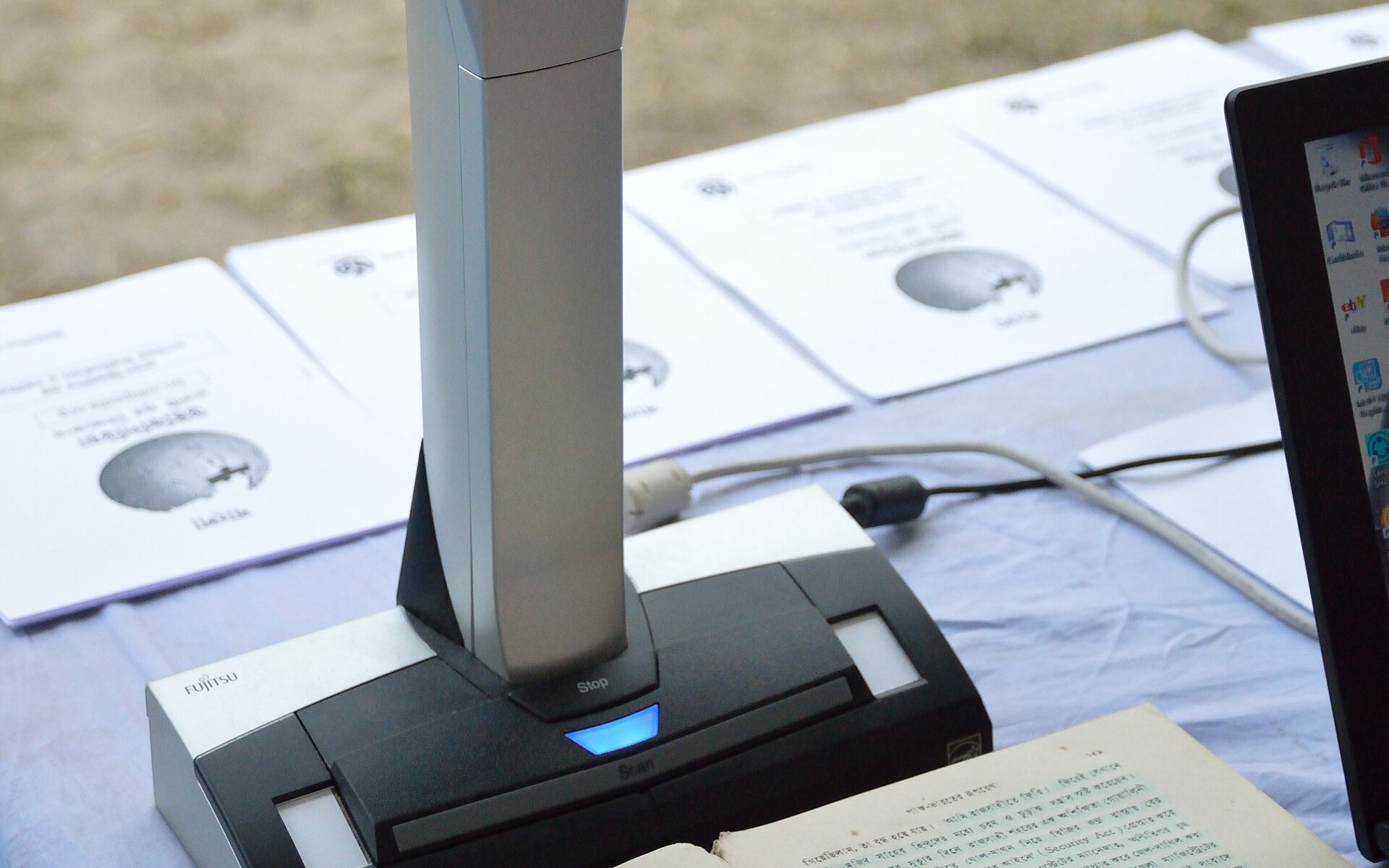
Scanners capture the whole bed, not just the page: the result is a page with the book in the middle and wide white borders around it. Phones that scan documents do the same. The text is fine — the margins are the problem.
This tool measures the content box of every page by looking for dark pixels, then sets the PDF crop box to that area plus your padding. Each page gets its own crop, because a chapter title page and a full-text page have different borders.
Cropping is not deleting: the hidden margin area still exists in the file — a PDF viewer just does not show it. That is fine for reading and printing, but use our redact tool if the margins contain anything sensitive.
Why browser-only beats server-upload tools
Upload-based croppers send your scanned books, contracts and notes to a server, and most of them crop every page to the same box — which cuts off the one page that was scanned off-centre. This page measures each page separately, shows you the kept area on page one before you download, and never uploads anything. Your scans stay on your device.
Straight talk: limits
Cropping hides, not deletes
The white area is hidden, not removed. For sensitive text in the margins, redact it instead.
Skewed pages
A page scanned at an angle has a tilted content box. Straighten it first with our deskew tool, then trim.
Full-page images
A page that is one big photo has no white margin to trim — the tool leaves it unchanged.
Uneven pages
Each page is cropped on its own, so a mixed document can end up with different page sizes. That is normal.
Frequently asked questions
Is trimming PDF margins really free?
Yes. No account, no payment, no watermark and no page limit. The scan and the crop run in your browser with the open-source pdf.js and pdf-lib libraries.
Is my PDF uploaded anywhere?
No. The file is read, measured and rebuilt by JavaScript on your own device. It never leaves your computer or phone.
What is the difference between trim and crop?
Trim is automatic cropping: the tool finds the content on each page and cuts the empty white space around it. Crop is manual — you choose the box yourself. Use trim for scans, crop for exact sizes.
Will trimming make my file smaller?
A little. Cropping hides the white area but does not delete the image data, so the saving is small. For a big size cut, use our compress tool after trimming.
Does it work on every page?
Yes, each page is measured on its own. Pages that are already tight, or that are one full-page image, are left unchanged.
What does the padding slider do?
It keeps a small border around the text so the words do not touch the edge of the page. 12 pt is a comfortable default; use 0 pt for the tightest result.
Will the trimmed PDF print correctly?
Yes. The crop box is part of the PDF standard, so every viewer and printer respects it. The page simply prints with smaller margins.
Can I undo the trim?
The original file on your device is never changed — the tool builds a new PDF for download. Keep the original until you have checked the trimmed copy.
You may also need





Sources
Checked November 7, 2026. External pages may change after this date.
Educational content only. Nothing on this site is legal or professional advice.