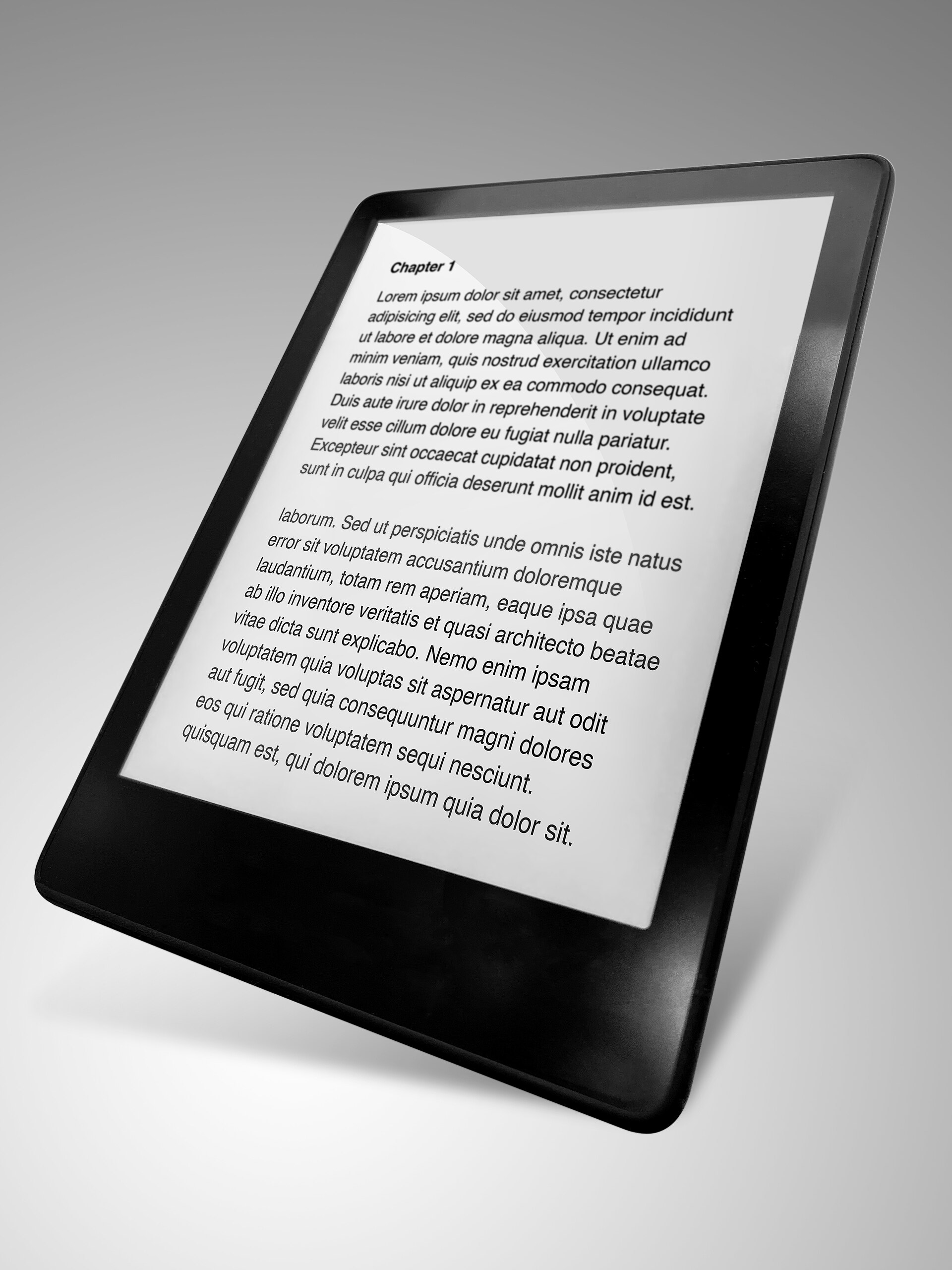
An EPUB is a book in a zip file: HTML chapters, images and a table of contents, designed to reflow on any screen. A PDF is fixed pages. This tool unzips your EPUB, reads its chapters in spine order, and lays them out as a plain, readable PDF — title page, headings, paragraphs, and JPG or PNG images where the book carries them. It is a text-first conversion: the words and their order are kept, the ebook's original styling is not. Everything happens in your browser; nothing is uploaded.
One EPUB at a time — DRM-free ebooks only
Honest scope: this is a text-first converter. It keeps the book's words, chapter order, headings and pictures — but not its fonts, colours, fixed layout or complex tables. A novel converts cleanly; a heavily designed textbook or a fixed-layout comic will lose its design. DRM-protected EPUBs cannot be opened at all.
An EPUB is not a document — it is a small website in a zip file. The book's text lives in HTML chapter files, its pictures in an images folder, and a file called the OPF (Open Packaging Format) lists the chapters in reading order — the “spine”. An e-reader reflows that HTML to fit whatever screen you hold. A PDF does the opposite: every word sits at a fixed position on a fixed page.
Converting between the two therefore always loses something. A perfect conversion would need a full ebook renderer; a browser tool keeps what matters most for reading: the words, their order, the headings, and the pictures. What it drops is the design — the ebook's fonts and colours, multi-column layouts, floating sidebars, complex tables, footnotes as pop-ups, and fixed-layout pages (the kind used by children's picture books and comics, where every element is positioned by hand).
| EPUB feature | What this converter does with it |
|---|---|
| Chapter text and headings | Kept, in spine order, on A4 pages |
| JPG and PNG images | Embedded at page width |
| Title and author | Title page + PDF metadata |
| Fonts, colours, drop caps | Not kept — plain Helvetica throughout |
| Tables and multi-column text | Flattened into flowing text |
| Fixed-layout pages (comics, picture books) | Text only — the layout is lost |
| DRM protection | Cannot be opened at all |
For a novel, a memoir, or a plain non-fiction book, the result reads well — that is the case this tool is built for. For a textbook full of tables, or a book whose design is the point, the honest answer is that no free in-browser converter will preserve it; a desktop tool such as Calibre, which renders the EPUB properly, is the right choice there. And if your goal is a Kindle rather than a PDF, you do not need to convert at all: Amazon's Send to Kindle accepts EPUB files directly and converts them itself.
Text-first, not pixel-perfect. Fonts, colours, drop caps, multi-column layouts and fixed-layout designs are not preserved — the output is a clean, plain reading copy. Tables flatten into flowing text, which can scramble a data-heavy page. Only JPG and PNG images are embedded; GIF, SVG and WebP images in the EPUB are skipped and counted in the result message. DRM-protected EPUBs cannot be opened — that is a legal and technical wall, not a missing feature; only DRM-free books convert. Very long books are limited only by your device's memory — there is no server limit because there is no server. Your files never leave your device.
No — and any converter that promises that is overselling. An EPUB reflows; a PDF fixes every word in place. This tool keeps the words, chapter order, headings and pictures, but the ebook's fonts, colours and layout are not preserved. A novel reads well; a designed textbook will lose its design.
No. DRM (digital rights management) locks the book to the store or app that sold it, and no browser tool can open it. Only DRM-free EPUBs convert — check your ebook's source if the conversion fails.
JPG and PNG images are embedded at page width. GIF, SVG and WebP images are skipped, and the result message tells you how many were skipped. Missing or broken image links in the EPUB are skipped the same way.
The EPUB's chapter order (its spine) is what the PDF follows, so the book reads in the right order. The clickable table of contents itself is not carried over — the PDF has no contents page beyond the title page, so use your reader's page navigation.
Seconds for a short book, longer for a long one — the work is proportional to the number of chapters and images. The progress bar shows the chapter being converted.
No. The EPUB is unzipped and converted entirely in your browser with JSZip and pdf-lib. Nothing leaves your device.
That direction exists on this site too: the PDF to EPUB tool extracts a PDF's text into an EPUB. The two directions are not mirror images — PDF to EPUB also loses layout, for the same reason.
Yes — unlimited files, no watermark, no account. The only limit is your device's memory on very large books.
EPUB unzipping uses JSZip 3.10.1 and PDF writing uses pdf-lib 1.17.1, both open-source libraries running entirely in your browser. The EPUB format is defined by the W3C EPUB 3 specification; the OPF spine order this tool follows is part of that specification.
Sources checked 29 November 2026. Tool claims on this page describe this site's own in-browser implementation.
Educational content only. Nothing on this site is legal or professional advice.
 Free PDF Toolkit