Free Standing Order Mandate Maker — Bank Instruction PDF
Fill in your account, the payee and the payment details, and download a signed-ready standing order mandate PDF in seconds. Free, unlimited and watermark-free — and the form is built on your own device, so bank details are never uploaded. Ideal for rent, savings transfers and fixed monthly payments in the UK and EU.
🔒 Your data never leaves this page
- The mandate is assembled 100% in your browser — nothing is uploaded to any server.
- No account, no email capture, no tracking of bank details or payment amounts.
- Sort codes and account numbers stay on your device by design. Why that matters →
Researched by PDFBuddyFree Team · Last updated November 15, 2026
Your account (the payer)
The payee
Payment details
Make a mandate in 4 steps
- Fill in your account details — your name, bank, sort code and account number.
- Fill in the payee — name, bank, sort code, account number and payment reference.
- Set the payment — amount, currency, frequency, first date, and either a final date or "until further notice".
- Download the PDF — print it, sign it, and give it to your bank.
What a standing order is — and the math
A standing order is an instruction you give your bank to pay a fixed amount to the same payee on fixed dates. It is the right tool for payments that never change: monthly rent, a fixed savings transfer, a gym membership, a regular payment to family. The payee cannot change the amount or the date — only you can, by telling your bank. That is the whole point, and the key difference from a Direct Debit, where the payee pulls varying amounts under an agreement you signed.
The numbers on the form are simple but unforgiving: in the UK, a sort code is 6 digits and an account number is 8 digits (UK Finance / Pay.UK format). One wrong digit sends money to the wrong account, and recovering it is slow. Check both numbers against the payee's own invoice or letter before you sign — never from memory.
Total paid over a year = monthly amount × 12 (for a monthly order). The formula matters because it is how you sanity-check the mandate: £950 a month is £11,400 a year.
Worked example — monthly rent of £950
| Field | Value |
|---|---|
| Payer | Alex Morgan — HSBC UK, sort code 40-12-34, account 12345678 |
| Payee | Greenline Lettings Ltd — Barclays, sort code 20-45-67, account 87654321 |
| Reference | Rent — Flat 4 |
| Amount | £950.00 monthly |
| First payment | 1 December 2026 |
| Final payment | Until further notice |
| Total over 12 months | £11,400.00 |
The pre-filled form above uses exactly these numbers — press Generate to see the finished mandate PDF. Illustrative figures: use your real account details for a live mandate.
📸 The PDFBuddyFree verdict
- A proper mandate form — payer, payee, amount, frequency, signature block — not a blank template you have to finish by hand.
- Unlimited and watermark-free: banks and template sites charge per form or stamp their branding on your document.
- Sort codes and account numbers never leave your device — genuinely private by design.
Straight talk: limits
📝 This form does not move money by itself
The maker produces the instruction — print it, sign it, and give it to your bank, or upload it where your bank accepts mandates. Until your bank acts on it, no payment happens. Many banks also let you set up a standing order in their app without a paper form.
🔢 Check the numbers twice
A wrong sort code or account number sends money to the wrong account. Verify both against the payee's own invoice or letter, and confirm the first payment landed before relying on the order.
💾 Save your PDFs
The form lives only in this tab and clears on refresh — download the mandate before you leave, and keep a copy for your records.
Standing Order Mandate FAQ
What is a standing order?
A standing order is an instruction you give your bank to pay a fixed amount to the same person or company on fixed dates — monthly rent, a gym membership, a regular transfer to savings. Only you can change or cancel it; the payee cannot take a different amount.
What is the difference between a standing order and a Direct Debit?
A standing order pays a fixed amount you control, on dates you choose. A Direct Debit lets the payee pull varying amounts from your account under an agreement you signed. Use a standing order for fixed payments like rent; use a Direct Debit for bills that change, like utilities. Our SEPA Direct Debit mandate maker covers the other side.
Is this standing order mandate maker free?
Yes — unlimited mandates, every field, PDF download, forever. No trial, no watermark, no account, no payment details. The PDF is assembled in your browser, so there is nothing to meter.
Do I need to give this form to my bank?
Yes. This maker produces the instruction form — print it, sign it, and give it to your bank, or upload it where your bank accepts mandates. The form itself does not move money; your bank acts on it. Many banks also let you set up a standing order in their app without a paper form.
Can I cancel a standing order?
Yes — you can cancel or change a standing order at any time through your bank or banking app. The payee cannot stop you cancelling it, and cancelling does not affect payments already made.
What details do I need to set up a standing order?
Your name and account details, the payee's name, sort code and account number, the payment reference, the amount, how often it repeats, and the first payment date. In the UK, a sort code is 6 digits and an account number is 8 digits — check both carefully before you sign.
Is my bank information uploaded anywhere?
No. The mandate is assembled on your own device — sort codes, account numbers and names are never uploaded to any server. The form lives only in this browser tab, so download the PDF before leaving.
Sources & trust
UK sort code (6 digits) and account number (8 digits) format: UK Finance / Pay.UK. Standing order vs Direct Debit distinction: UK Finance guidance. This form is an instruction template, not banking advice — confirm your bank's own mandate process before submitting. Researched by PDFBuddyFree Team · Last updated November 15, 2026.
You may also need
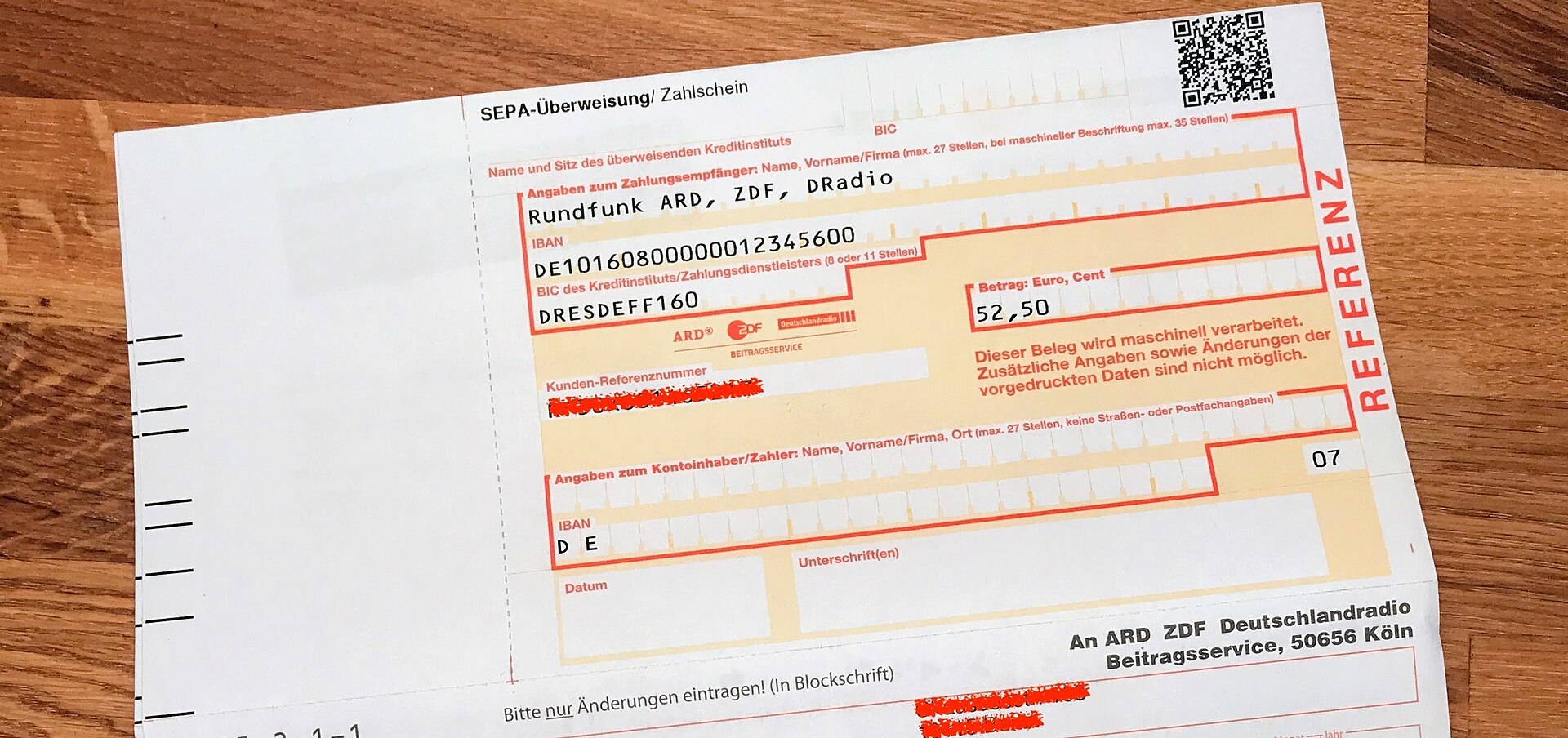
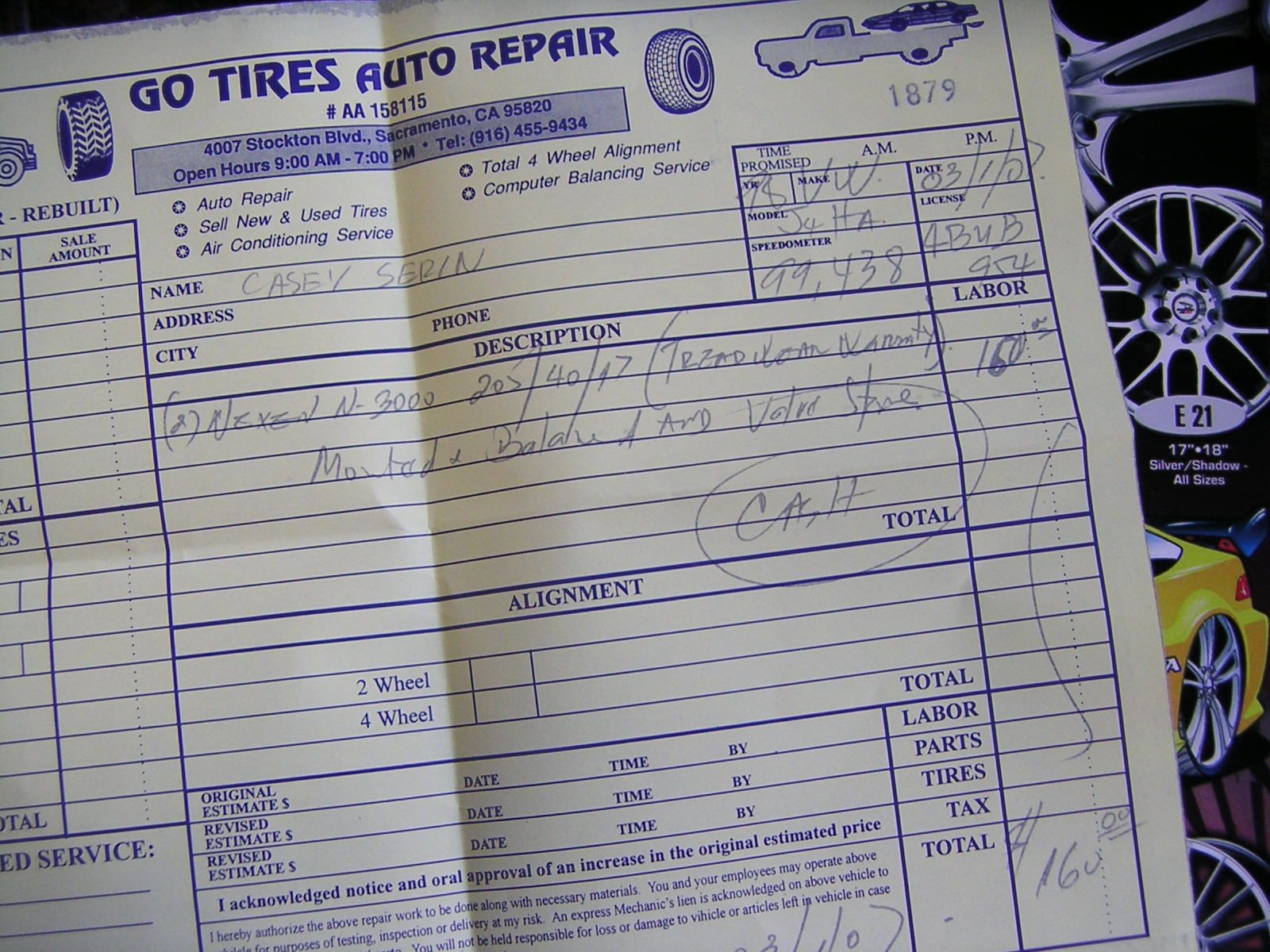

Card photos: Nicolas Bouliane / Wikimedia Commons, CC BY-SA 4.0 · Casey Serin / Wikimedia Commons, CC BY 2.0 · Shixart1985 / Wikimedia Commons, CC BY 2.0




